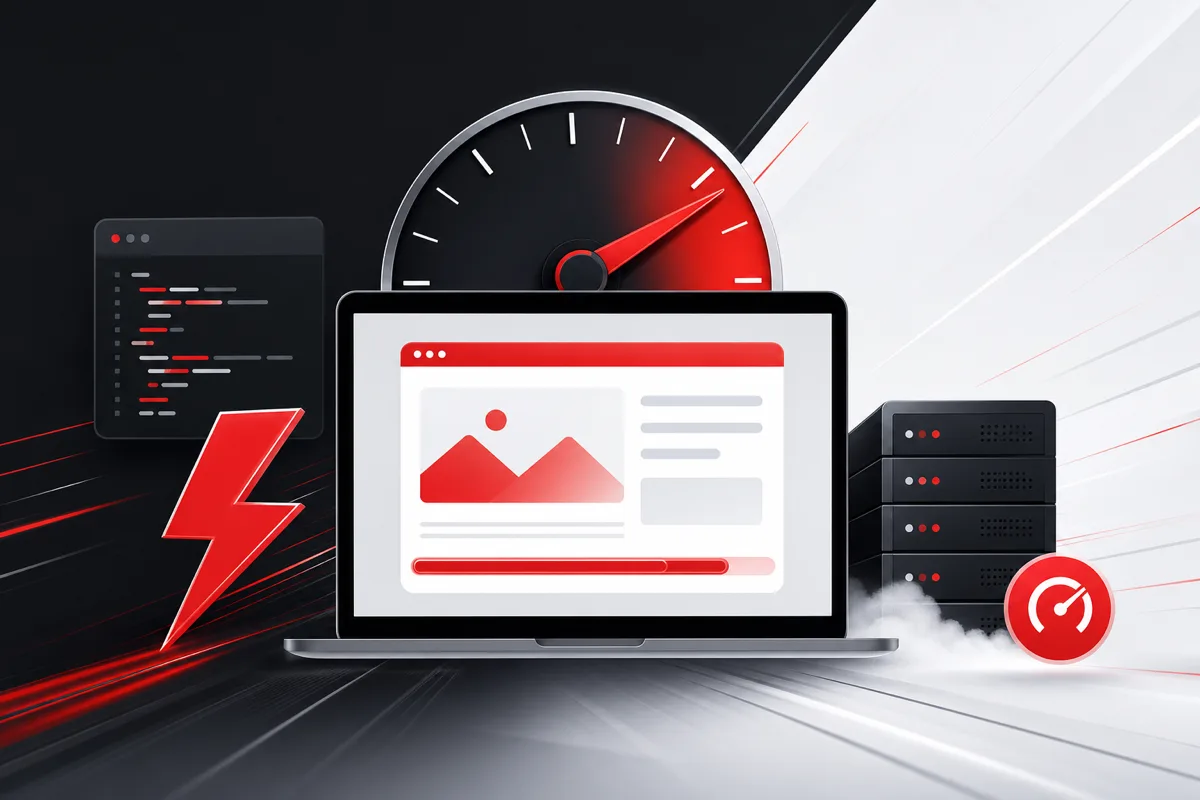
Slow WordPress sites lose traffic, leads, and revenue. Performance optimization is one of the highest-ROI improvements you can make because it affects SEO, conversions, and customer trust at the same time.
Audit Your Current Performance Baseline
Run tests on key templates: homepage, service pages, blog posts, and checkout flows. Record Core Web Vitals metrics and identify whether delays come from server response, JavaScript, images, or third-party scripts.
Reduce Plugin and Script Bloat
Many WordPress sites accumulate plugins that add frontend weight over time. Review active plugins monthly and remove anything that is redundant or unused.
- Defer non-critical JavaScript
- Limit page builder widgets on high-traffic templates
- Replace heavy sliders with lightweight alternatives where possible
Optimize Images and Media Delivery
Large unoptimized images are one of the most common WordPress performance problems. Use modern formats, responsive sizes, and lazy loading for below-the-fold media.
Improve Caching and Hosting Configuration
A strong caching layer and properly configured hosting can dramatically reduce time to first byte. Combine server-level caching with a CDN for global visitors.
Faster WordPress sites convert better and rank better because users stay engaged longer.
When to Involve a WordPress Development Partner
If performance issues are tied to custom theme code, WooCommerce checkout bottlenecks, or complex integrations, a focused development sprint often delivers better results than plugin-only fixes.
Explore our WordPress development services if you need a performance roadmap tailored to your business goals.