If you are planning a WordPress website, you will face a decision that affects cost, speed, SEO, and how easily the site can grow later: should you launch with a WordPress theme, or invest in custom WordPress development?
Themes look like the obvious shortcut. They are fast to install, visually polished, and often cheaper at the start. Custom WordPress development takes more planning and budget, but it is built around your brand, workflows, and growth plan instead of a template’s defaults.
This guide compares both options in practical business terms so you can answer the real question: Should I use a WordPress theme or custom development?
If you want the benefits-focused business case (brand, UX, SEO, ROI), read Why Your Business Needs a Custom WordPress Website Instead of a Template. If you already know you need a tailored build, start with our WordPress Development Company page or Custom WordPress Theme Development services. For vendor evaluation, see Best WordPress Development Company in California and How to Choose the Right WordPress Development Company.
Related comparisons (different decisions):
- Theme template vs custom build: this article
- Custom WordPress vs page builders (Elementor, Divi, and similar tools)
- WordPress vs Webflow (platform choice)
What Is a WordPress Theme?
A WordPress theme controls how your site looks and, in many cases, how editors build pages. Pre-built themes are sold or shared as ready-made design systems for many businesses at once.
Typical theme sources include:
- Theme marketplaces (ThemeForest, TemplateMonster, and similar)
- Premium theme shops
- Free themes from WordPress.org
- Industry starter themes (agency, SaaS, restaurant, clinic, real estate)
What a theme usually includes
- Homepage and inner-page layouts
- Header/footer styles
- Blog templates
- Demo content for quick setup
- Theme options panels
- Compatibility with popular page builders (in many commercial themes)
What a theme is optimized for
Themes are optimized for broad appeal. A single theme may try to serve agencies, shops, clinics, and SaaS startups with one package. That flexibility helps you launch quickly. It also means the theme includes code, options, and layouts you may never need.
The hidden tradeoff
You are adapting your business to the theme. Custom WordPress development adapts the website to the business.
What Is Custom WordPress Development?
Custom WordPress development means designing and engineering a WordPress website around your goals, brand, content model, integrations, and growth roadmap.
A custom WordPress website usually includes:
- Unique WordPress web design matched to your brand
- Custom theme architecture (often block-based / Gutenberg-first)
- Structured content fields editors can update safely
- Performance and SEO foundations built into templates
- Integrations with CRM, payments, booking, or commerce systems
- A maintainable codebase owned by your business
This is custom website development on WordPress, not a skin on top of a multipurpose template.
Custom does not always mean “rebuild everything from zero with no reusable parts.” Strong WordPress developers reuse proven patterns. The difference is intentional architecture for your business, not generic theme bloat.
Custom WordPress development vs buying a “customizable” theme
Many theme sales pages say “fully customizable.” That usually means color pickers, demo importers, and layout toggles. It does not mean the information architecture, performance budget, or integration model was designed for your company.
True custom WordPress development starts with discovery:
- Who converts, and what proof do they need?
- Which templates create revenue?
- What must editors publish without developer help?
- Which systems must the website connect to?
- What happens when traffic doubles?
If those questions are skipped, you are customizing a product built for everyone, not building a system for your business.
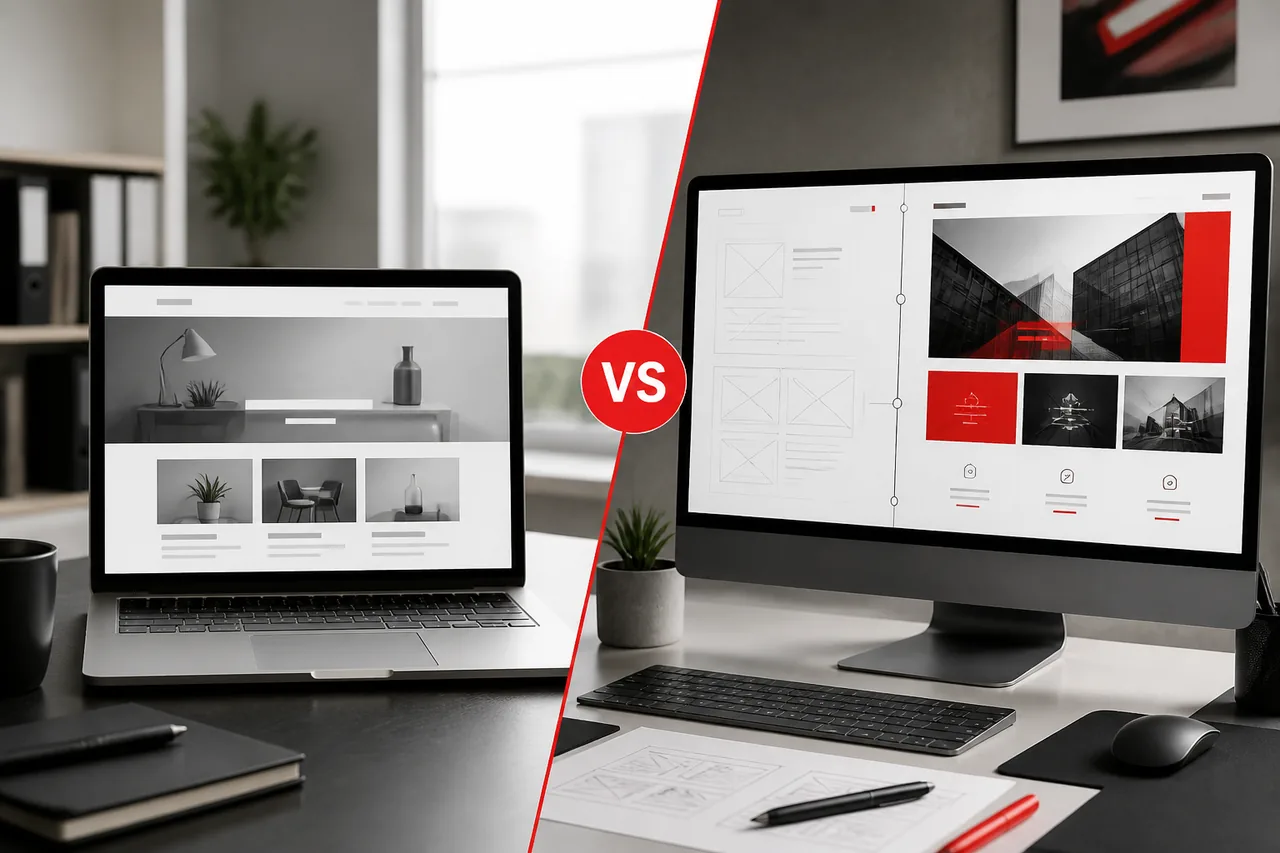
Key Differences at a Glance
| Factor | WordPress Theme | Custom WordPress Development |
|---|---|---|
| Design control | High within theme limits | Full brand and UX control |
| Launch speed | Faster for simple sites | Longer discovery and build |
| Upfront cost | Lower | Higher |
| Performance | Varies; often heavier | Built for your templates |
| SEO foundation | Plugin-dependent and uneven | Template-level SEO structure |
| Security surface | Theme + many options/plugins | Smaller, intentional stack |
| Scalability | Good until requirements grow | Designed for growth paths |
| Editor experience | Theme options / builder panels | Custom fields and blocks |
| Long-term ROI | Strong for simple needs | Stronger for growth businesses |
| Best fit | MVPs, simple brochure sites | Differentiated business sites |
When a Theme Makes Sense
A WordPress theme can be the right choice when:
1. You need to launch quickly with a simple offer
A landing site for an early startup, event, or local service can succeed with a clean theme if messaging and offers are clear.
2. Budget is tightly constrained
If cash must go into product, sales, or inventory first, a carefully chosen theme can be a practical phase-one website.
3. Requirements are standard
Contact form, services list, about page, blog, and basic SEO may not justify custom architecture on day one.
4. You have strong internal discipline
Some teams run themes well because they avoid option bloat, compress images, limit plugins, and refuse design chaos.
5. You treat the theme as temporary infrastructure
A theme launch can be a bridge while you validate demand, then migrate to custom WordPress development.
Themes fail when teams pretend a multipurpose template is a long-term platform for complex growth.
When Custom Development Is the Better Choice
Custom WordPress development is usually better when:
1. Brand differentiation matters
If prospects compare you against strong competitors, a template look can quietly reduce trust.
2. Marketing needs campaign velocity without breaking design
Custom blocks and templates let teams publish faster inside brand rules.
3. Performance affects revenue
Paid traffic, SEO, and conversion rates suffer when theme/runtime bloat slows mobile pages.
4. You need integrations
CRM, ERP, booking, memberships, portals, or WooCommerce workflows need intentional data models, not theme workarounds.
5. SEO is a growth channel
An SEO-friendly WordPress website needs clean heading structure, internal linking paths, schema where useful, and maintainable metadata patterns.
6. You expect the site to scale for 2–5 years
Growing businesses outgrow themes in the same ways they outgrow starter CRMs: the tool worked until operations got real. See Signs Your Business Has Outgrown Its WordPress Website.
Design Flexibility
WordPress themes
Themes offer many demos and style options. That can feel flexible at first. In practice, you are choosing from prebuilt patterns. Unusual brand systems, custom interaction models, or industry-specific UX often require fighting the theme.
Common friction:
- Homepages that look like every other demo in your niche
- Hard-to-adjust spacing and component behavior
- Inconsistent inner templates
- Design changes that require theme-option archaeology
Custom WordPress development
Custom WordPress web design starts from your brand, audience, and conversion goals. Components are designed once and reused. Editors get the layouts they need, not 40 unused demo sections.
Decision cue: If your brand presentation is a competitive advantage, custom wins. If “good enough polished template” is fine for now, a theme can work.
Performance and Speed
Speed is not a vanity metric. It affects bounce rate, Core Web Vitals, ad efficiency, and SEO.
Why themes often feel slower
- Large CSS/JS bundles for features you do not use
- Heavy homepage demos reused as production pages
- Slider, animation, and shortcode libraries loaded globally
- Page-builder coupling inside many commercial themes
Why custom can be faster
Custom development loads what your templates need. Media strategy, caching readiness, and lean markup are designed in. A responsive WordPress website should be planned for real mobile networks, not only desktop previews.
A theme can be fast if aggressively simplified. Custom is easier to keep fast as the site grows.
For optimization patterns, see our WordPress performance optimization guide.
SEO Benefits
Both options can rank. The difference is how hard SEO becomes over time.
Theme SEO reality
Most themes claim “SEO ready.” That usually means cleanish markup and compatibility with SEO plugins. It does not guarantee:
- Sensible heading hierarchy on every template
- Lightweight pages that pass Core Web Vitals
- Internal linking systems for service growth
- Content models that support topical clusters
- Safe redesign/migration habits later
Custom WordPress website for SEO
Custom builds can embed SEO into the system:
- Template-level metadata patterns
- Schema where it helps
- Clean URL and breadcrumb logic
- Structured service and resource templates
- Editor fields that prevent empty/broken on-page SEO
If organic search is a major acquisition channel, custom WordPress development usually creates fewer long-term SEO constraints.
Security
No website is “secure by default.” Risk comes from outdated software, weak access control, poor hosting, and unnecessary attack surface.
Theme-related risk patterns
- Unused theme features still present in code
- Multipurpose themes with broad privileges and options
- Bundled plugins that fall behind on updates
- Nulling/pirated themes (never worth the risk)
Custom development security advantages
- Smaller intentional codebase
- Fewer mystery options panels
- Clear update ownership
- Hardening practices as part of delivery
- Maintenance plans after launch
Security still requires ongoing updates. Pair any build with WordPress maintenance habits. Background: Why WordPress maintenance is essential.
Scalability
Ask where the website needs to be in 24 months.
| Growth need | Theme path | Custom path |
|---|---|---|
| More landing pages | Often easy at first | Easy with block system |
| Brand redesign | Can be painful | Component updates |
| WooCommerce expansion | Possible, often messy | Planned commerce architecture |
| CRM/automation | Plugin-dependent | Integration-first design |
| Membership/portal | Limited by theme | Custom templates and roles |
| Multi-location SEO | Often bolted on | Built into content model |
If your roadmap includes commerce, portals, advanced lead routing, or AI-assisted workflows later, custom architecture reduces rework. Theme debt compounds quietly until a rebuild becomes urgent.
Plugin Compatibility
Themes and plugins interact. That interaction is where many “mystery bugs” live.
Theme environments
Commercial themes often assume specific builders, plugin stacks, or option frameworks. Updates can break demos, menus, or customizer settings.
Custom environments
Custom WordPress development chooses plugins for clear jobs (SEO, forms, cache, security, commerce) and keeps custom logic in upgrade-safe code. Compatibility is still a process, but the dependency map is clearer.
Rule of thumb: fewer high-quality plugins beat a theme demo’s plugin shopping list.
Maintenance
Theme maintenance load
- Theme updates can change layouts unexpectedly
- Child-theme overrides may break after major releases
- Option panels confuse new team members
- “Don’t update, it might break” becomes culture
Custom maintenance load
- Updates still required
- Behavior is more predictable when architecture is clean
- Editors have clearer publishing paths
- Agencies can document what matters
Maintenance cost is not only developer hours. It includes marketing delays, emergency fixes, and risk avoidance. That is why process matters as much as code. See our WordPress website development process.
Cost Comparison
Upfront price is the wrong sole metric. Compare total cost of ownership.
Typical theme path costs
- Theme license
- Setup/customization
- Builder/extensions
- Extra plugins for missing features
- Performance cleanup later
- Partial redesigns when demos age
- Possible full rebuild in 18–36 months
Typical custom path costs
- Discovery and UX
- Custom theme development
- Content model and editor training
- Integrations
- QA, SEO launch, and migration (if redesigning)
- Ongoing maintenance retainer
For planning ranges, use WordPress Development Cost in California.
| Scenario | Often lower year-1 cost | Often lower 3-year cost |
|---|---|---|
| Simple brochure site | Theme | Theme (if requirements stay simple) |
| Lead-gen brand site with SEO goals | Theme (short term) | Custom |
| WooCommerce / integrations | Rarely theme | Custom |
| Frequent campaign publishing | Theme until chaos | Custom |
Long-Term ROI
Is custom WordPress development worth it?
It is when the website is a growth system, not a digital flyer.
ROI shows up as:
- Higher conversion from clearer UX and faster pages
- Lower paid-media waste from better landing performance
- Faster campaign publishing without breaking brand
- Fewer emergency rebuilds
- Better SEO compounding from clean technical foundations
- Operational time saved through integrations
A cheap theme that forces a rebuild twice can cost more than one intentional custom project.
Which Option Is Best for Different Business Types?
Small local businesses
Theme can work for simple service sites with clear NAP info, reviews, and contact paths. Custom becomes better when local SEO scale, multi-location pages, or booking/CRM workflows matter.
Startups
Theme for early validation landing pages. Custom when brand, product education, and demand-gen systems need to scale after product-market fit.
Professional services (legal, healthcare, consulting)
Often lean custom or heavily governed themes. Trust, accessibility, and conversion paths matter more than demo flair.
eCommerce brands
Prefer custom WooCommerce architecture for catalogs, checkout, and operations. Explore WooCommerce Development Company.
Marketing agencies (for clients)
Themes can speed delivery for small client retainers. Custom frameworks become a competitive advantage when you productize delivery and need maintainable client systems.
Enterprise / multi-stakeholder organizations
Custom WordPress development with governance, roles, staging, and component libraries is usually the safer path.
Real-World Patterns (Anonymized)
Pattern A: Theme launch, custom rebuild
A services firm launches on a multipurpose theme in 3 weeks. Lead flow works. Twelve months later, campaign pages are slow, editors fear updates, and SEO plateaus. They rebuild with custom blocks and cut mobile load times while improving form-to-CRM quality.
Pattern B: Theme done right
A local contractor uses a lean theme, compresses media, limits plugins, and publishes consistently. For their stage, ROI is excellent. They revisit custom development only when expanding to multiple regions.
Pattern C: Custom from day one
A funded B2B company needs custom calculators, gated resources, and HubSpot sync. Custom WordPress development costs more upfront and prevents a year of fragile plugin stitching.
Your stage matters as much as your preference.
A simple scoring exercise
Score each statement from 1 (disagree) to 5 (strongly agree):
- Our website is a primary lead or revenue channel.
- Prospects compare us against sophisticated competitors online.
- Marketing needs to publish new pages weekly without developer bottlenecks.
- We need CRM, commerce, booking, or other system integrations.
- Page speed and SEO materially affect our pipeline.
- We expect major website growth in the next 24 months.
Interpretation
- 6–14: A lean theme is often enough for now.
- 15–22: Consider a governed theme short term, with a custom roadmap.
- 23–30: Custom WordPress development is usually the higher-ROI path.
This is not a substitute for discovery, but it prevents gut-feel theme purchases when your score clearly points to a business platform.
Common Mistakes to Avoid
- Choosing only by homepage demo beauty
Inner templates and editor workflow matter more.
- Installing every theme feature “just in case”
Unused features still cost performance and complexity.
- Ignoring mobile Core Web Vitals
Desktop demos hide mobile pain.
- Treating SEO as a plugin toggle
Structure and content systems drive results.
- Skipping maintenance
Themes and custom sites both decay without updates.
- Delaying custom too long
Waiting until the site is on fire makes migration harder and more expensive.
- Confusing themes with page builders
Related, but not identical. Use the page builders comparison when that is your real decision.
- No ownership clarity
Keep admin access, licenses, and documentation with the business.
How to Evaluate a Theme Before You Buy
If you are still considering a theme, run this checklist before purchasing:
- Demo quality on mobile, not only desktop hero shots
- Required plugins list (and whether each is actively maintained)
- Update frequency and support responsiveness
- Accessibility baseline (contrast, keyboard navigation, heading order)
- Performance of the actual demo in PageSpeed/Lighthouse on mobile
- Editor workflow: can non-developers update key pages safely?
- Child-theme path: can you customize without editing parent files?
- Exit plan: how painful would a future custom rebuild be?
If more than two answers are weak, budget for custom WordPress development or a much leaner theme.
Migrating from a Theme to Custom Development
Many businesses do not choose custom on day one. They graduate into it.
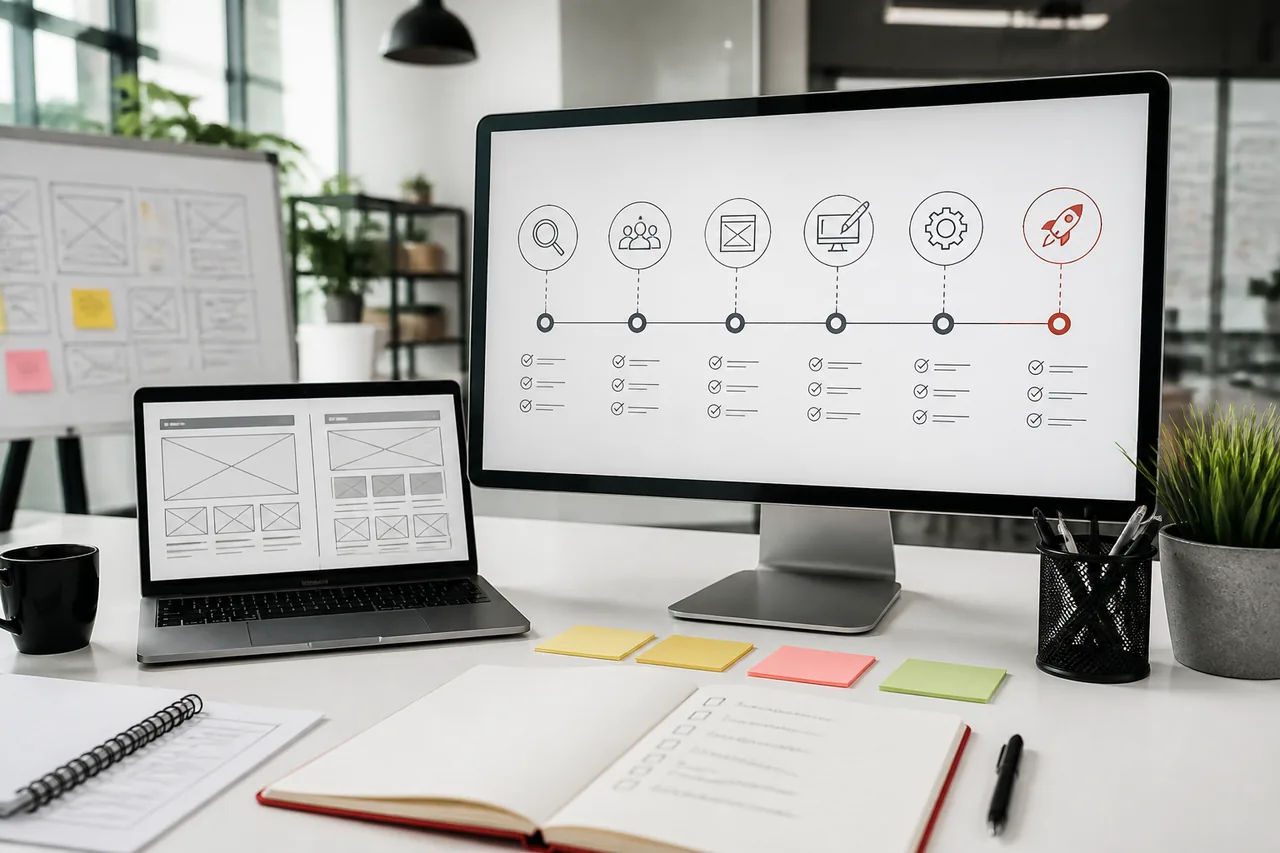
A practical migration sequence:
Step 1: Audit the current theme stack
Inventory templates, plugins, forms, tracking, and top landing pages by traffic and revenue.
Step 2: Separate keep vs rebuild
Keep strong content and offers. Rebuild weak templates, bloated homepage sections, and fragile builder layouts.
Step 3: Design the content model
Define reusable blocks and fields for services, case studies, locations, resources, and CTAs.
Step 4: Build custom templates on staging
Prioritize money pages first: home, core services, contact/demo, and key campaign templates.
Step 5: SEO-safe cutover
Map URLs, set redirects, verify metadata, and retest forms/integrations before DNS or go-live.
Step 6: Train editors and set maintenance
A custom site still needs ownership. Without training and updates, you recreate theme chaos in a nicer package.
This path is often cheaper than living with compounding theme debt for another year.
Hybrid Approaches (And When They Fail)
Some teams try hybrids:
- Premium theme + heavy custom child theme
- Theme + page builder for “flexibility”
- Custom homepage with theme inner pages
Hybrids can work for short phases. They fail when:
- Custom code depends on fragile theme hooks
- Builder pages bypass the design system
- Updates require both theme and custom regression testing
- Nobody knows what is safe to change
If you need customization depth, commit to custom architecture. If you need speed and simplicity, keep the theme lean. Sitting in the middle often creates the worst of both.
Decision Flowchart
Use this quick path:
- Are requirements simple and timeline urgent? → Theme is reasonable.
- Is brand differentiation or SEO a major growth lever? → Lean custom.
- Do you need WooCommerce, portals, or deep integrations? → Custom.
- Are editors blocked or pages chronically slow today? → Audit, then custom or major rebuild.
- Unsure? → Run a scoped website audit before buying another theme or signing a full rebuild.
If you are redesigning either path, read the WordPress website redesign guide.
Benefits of Custom WordPress Development (Summary)
When done well, custom WordPress development offers:
- Brand-true design systems
- Better performance control
- Stronger SEO foundations
- Cleaner security posture
- Scalable content and integration architecture
- Better long-term maintainability
- Higher ROI for growth-stage businesses
That is why many companies searching for the best WordPress solution for businesses eventually move from theme installs to custom builds.
What to Bring to a Scoping Call
Whether you lean theme or custom, prepare:
- Business goals for the next 12 months
- Top 10 pages by traffic or revenue
- Must-have integrations (CRM, payments, booking, ERP)
- Brand assets and examples you admire (with reasons)
- Current pain points (speed, editing, SEO, bugs)
- Budget range and hard deadlines
- Who approves design and go-live
Clear inputs produce honest recommendations. Vague inputs produce theme demos and guesswork.
Why Choose Kodu Media
Kodu Media is a custom WordPress development company that helps businesses choose the right foundation, not a one-size package.
We help with:
- Custom WordPress website strategy and builds
- Custom theme development for editors and performance
- WooCommerce and integration-heavy projects
- SEO-safe redesigns and migrations
- Ongoing maintenance and iteration
We are direct when a theme (or a lighter optimization) is enough. Custom development should solve a business constraint, not inflate a proposal.
Explore:
- WordPress Development Company
- Custom WordPress Theme Development
- WooCommerce Development Company
- Website Maintenance
- Mobile App Development Company (when your roadmap goes beyond the website)
For California vendor context: Best WordPress Development Company in California.
Frequently Asked Questions
What is custom WordPress development?
Custom WordPress development is building a WordPress website around your brand, content model, integrations, and growth goals instead of adapting a multipurpose theme. It usually includes custom theme architecture, structured editing, performance planning, and maintainable code.
Is a custom WordPress website better than using a theme?
It depends on goals. A theme can be better for simple, fast launches. A custom WordPress website is usually better when differentiation, SEO, performance, integrations, or long-term scalability matter.
Are custom WordPress websites faster?
They can be, because templates load only what you need. A bloated custom build can still be slow. A lean theme can be fast. Architecture and discipline decide the outcome more than the label.
Which option is better for SEO?
Both can rank. Custom development often makes technical SEO and content scaling easier over time because templates, metadata patterns, and internal linking can be designed intentionally.
How much does custom WordPress development cost?
Costs vary by scope, templates, integrations, and content migration. Use our WordPress Development Cost in California guide for planning ranges, then request a scoped proposal.
Can I switch from a theme to a custom website later?
Yes. Many businesses start on a theme and migrate later. Plan URL mapping, redirects, content inventory, and SEO preservation. The later you wait after heavy technical debt, the more expensive the move.
Is custom WordPress development suitable for small businesses?
Yes, when the website is central to lead generation or operations. Some small businesses should still start with a theme and upgrade when growth justifies it.
Why should I hire a professional WordPress development company?
A professional team brings discovery, UX, engineering, QA, SEO launch habits, and maintenance planning. That reduces expensive rebuilds and unclear ownership. See How to Choose the Right WordPress Development Company.
Should I use a WordPress theme or custom development?
Choose a theme for simple, fast, low-complexity launches. Choose custom development for brand-critical, SEO-driven, integration-heavy, or growth-stage business websites.
Is custom WordPress development worth it?
For many growing businesses, yes, especially over a 2–3 year horizon where performance, publishing speed, and SEO compounding matter more than the cheapest launch invoice.
Related Services and Guides
- WordPress Development Company
- Custom WordPress Theme Development
- WooCommerce Development Company
- WordPress Maintenance Services
- Mobile App Development Company
- Best WordPress Development Company in California
- WordPress vs Webflow
- Custom WordPress Development vs Page Builders
- Custom WordPress Development vs Pre-Built Themes
- WordPress Development Cost in California
- WordPress Website Development Cost
- How Much Does a Website Cost in the USA?
- Why Your Business Needs a Custom WordPress Website Instead of a Template
- WordPress Website Development Process
- How to Choose the Right WordPress Development Company
Looking for a Custom WordPress Website?
Looking for a WordPress website that is fast, secure, scalable, and tailored to your business? At Kodu Media, we build custom WordPress solutions designed to deliver strong user experiences and measurable business growth.
Whether you need a new custom WordPress website, a theme-to-custom migration, or an honest recommendation that a leaner theme is enough for now, we will help you choose the path that fits your stage.