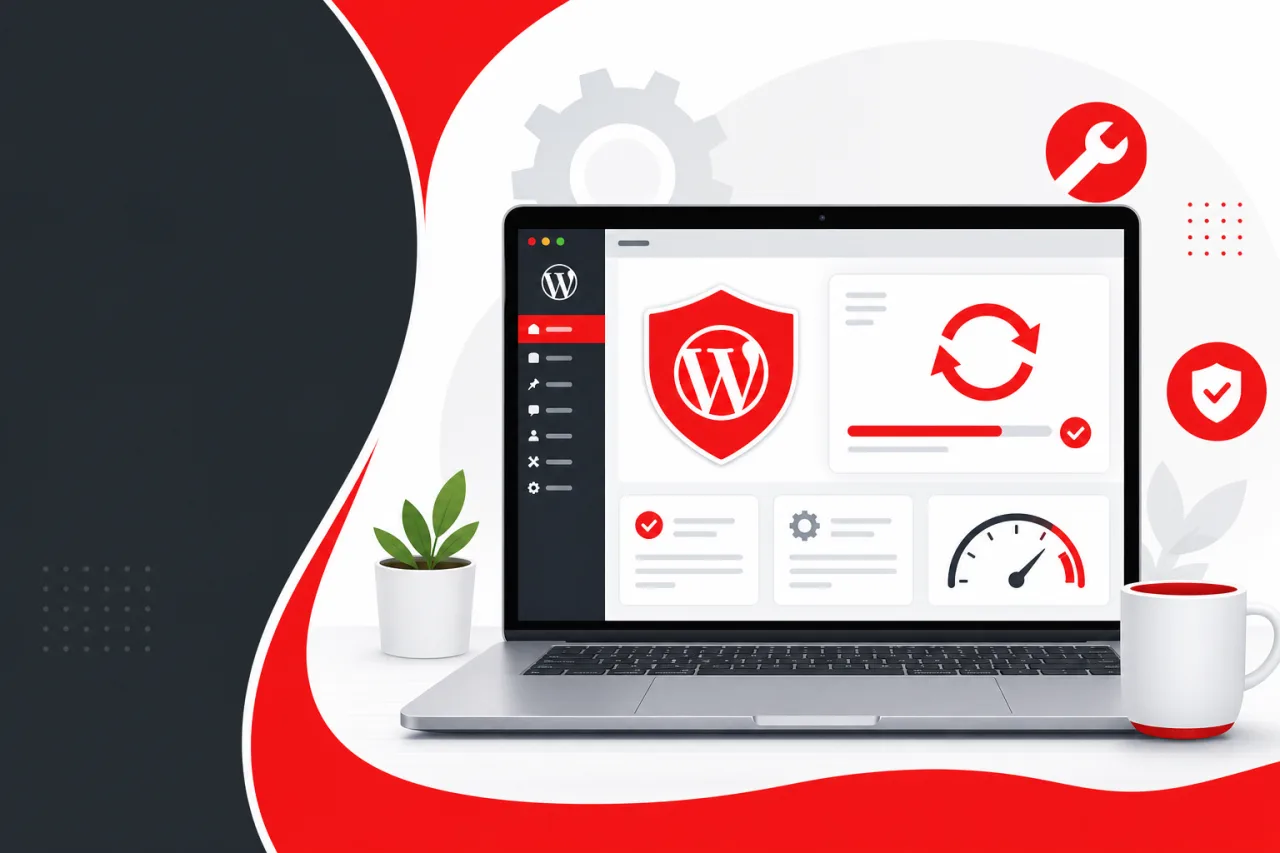
Many businesses invest significant time and money building a professional WordPress website, only to overlook one of the most important aspects of long-term success: regular website maintenance.
Launching a website is not the finish line. Like any business asset, your website requires ongoing care to remain secure, fast, and reliable. Without regular maintenance, even a well-built WordPress website can develop security vulnerabilities, performance issues, compatibility problems, and SEO challenges.
In this guide, we'll explain why WordPress maintenance is essential, what it includes, and how it helps protect your business.
Why WordPress Maintenance Matters
Your website operates 24 hours a day, seven days a week.
Potential customers may visit your website to:
- Learn about your services
- Purchase products
- Book appointments
- Submit inquiries
- Download resources
If your website is slow, broken, or unavailable, you risk losing valuable business opportunities.
Routine maintenance helps ensure your website continues performing at its best.
1. Improve Website Security
Cybersecurity threats continue to evolve.
Outdated WordPress installations, plugins, and themes are among the most common causes of website vulnerabilities.
Regular maintenance helps:
- Apply security updates
- Patch known vulnerabilities
- Monitor suspicious activity
- Reduce malware risks
- Protect customer data
- Strengthen login security
Protecting your website also protects your business reputation.
2. Keep WordPress Updated
WordPress frequently releases updates that improve security, performance, and functionality.
Maintenance includes updating:
- WordPress Core
- Plugins
- Themes
- PHP compatibility
- Third-party integrations
Keeping everything updated helps prevent conflicts and security issues.
3. Prevent Website Downtime
Unexpected downtime can result in:
- Lost leads
- Lost sales
- Poor customer experience
- Reduced trust
- Lower search visibility
Regular monitoring helps identify problems before they become major outages.
4. Maintain Website Speed
Website performance naturally changes over time.
New plugins, larger databases, media uploads, and increased traffic can slow your website.
Maintenance typically includes:
- Database optimization
- Image optimization
- Cache management
- Performance monitoring
- Core Web Vitals improvements
A faster website creates a better experience for visitors and supports SEO. For practical optimization steps, see our WordPress performance optimization guide.
5. Support Better SEO
Search engines prefer websites that are technically healthy.
Routine maintenance helps preserve SEO by:
- Fixing broken links
- Resolving crawl errors
- Monitoring page speed
- Updating XML sitemaps
- Maintaining structured data
- Improving mobile performance
Ignoring maintenance can gradually reduce your search visibility.
6. Regular Website Backups
Backups are your safety net.
If something goes wrong because of:
- Human error
- Plugin conflicts
- Malware
- Hosting issues
- Failed updates
A recent backup allows your website to be restored quickly.
Professional maintenance plans include automated backup strategies and recovery procedures.
7. Better User Experience
Visitors expect websites to work flawlessly.
Maintenance helps ensure:
- Forms function correctly
- Navigation remains consistent
- Images load properly
- Checkout works smoothly
- Booking systems remain operational
Small issues often go unnoticed until they begin affecting customers.
8. Plugin and Theme Compatibility
As plugins evolve, compatibility issues may occur.
Without testing and maintenance, updates can sometimes:
- Break layouts
- Cause functionality issues
- Create checkout errors
- Affect mobile responsiveness
Professional maintenance includes testing updates before deploying them whenever possible.
9. Reduce Long-Term Costs
Preventative maintenance is usually more affordable than emergency repairs.
Ignoring small technical issues often leads to:
- Website recovery costs
- Malware cleanup
- SEO recovery
- Lost revenue
- Complete website rebuilds
Regular maintenance helps reduce unexpected expenses.
What's Included in a WordPress Maintenance Plan?
A professional maintenance service often includes:
- WordPress Core updates
- Plugin updates
- Theme updates
- Daily or scheduled backups
- Security monitoring
- Malware scanning
- Performance optimization
- Uptime monitoring
- Broken link checks
- Technical support
- Monthly reports
These services help keep your website secure and performing consistently.
Should You Maintain Your Website Yourself?
Some businesses choose to manage updates internally.
This approach may work for smaller websites if someone has the technical knowledge and time to:
- Test updates
- Monitor security
- Create backups
- Resolve compatibility issues
- Restore the website if problems occur
For growing businesses, outsourcing maintenance often allows internal teams to focus on serving customers while experienced professionals manage the technical work.
How Kodu Media Can Help
At Kodu Media, we provide proactive WordPress maintenance services designed to keep your website secure, optimized, and available.
Our maintenance services include:
- WordPress updates
- Security monitoring
- Daily backups
- Website optimization
- Bug fixes
- Performance improvements
- Uptime monitoring
- Emergency support
- Technical troubleshooting
- Ongoing recommendations
Rather than waiting for problems to occur, we help businesses prevent them. Explore our WordPress development services to learn how we support websites from launch through long-term care.
Final Thoughts
A WordPress website is one of your most valuable digital assets.
Regular maintenance protects that investment by improving security, maintaining performance, supporting SEO, and ensuring a positive experience for every visitor.
Whether your website generates leads, sells products, or supports customer service, ongoing maintenance helps ensure it continues working for your business every day.
If you're looking for reliable WordPress support, Kodu Media offers flexible maintenance plans tailored to businesses of all sizes.
Contact our team today to learn how proactive WordPress maintenance can help protect your website and support your long-term business growth.