Building a mobile app is more than turning an idea into software. To attract users, encourage engagement, and support business growth, your app needs the right combination of features, usability, and performance.
Many businesses focus on adding as many features as possible, but successful mobile apps prioritize functionality that delivers real value to users. A well-planned app with the right features often outperforms a feature-heavy app that is difficult to use.
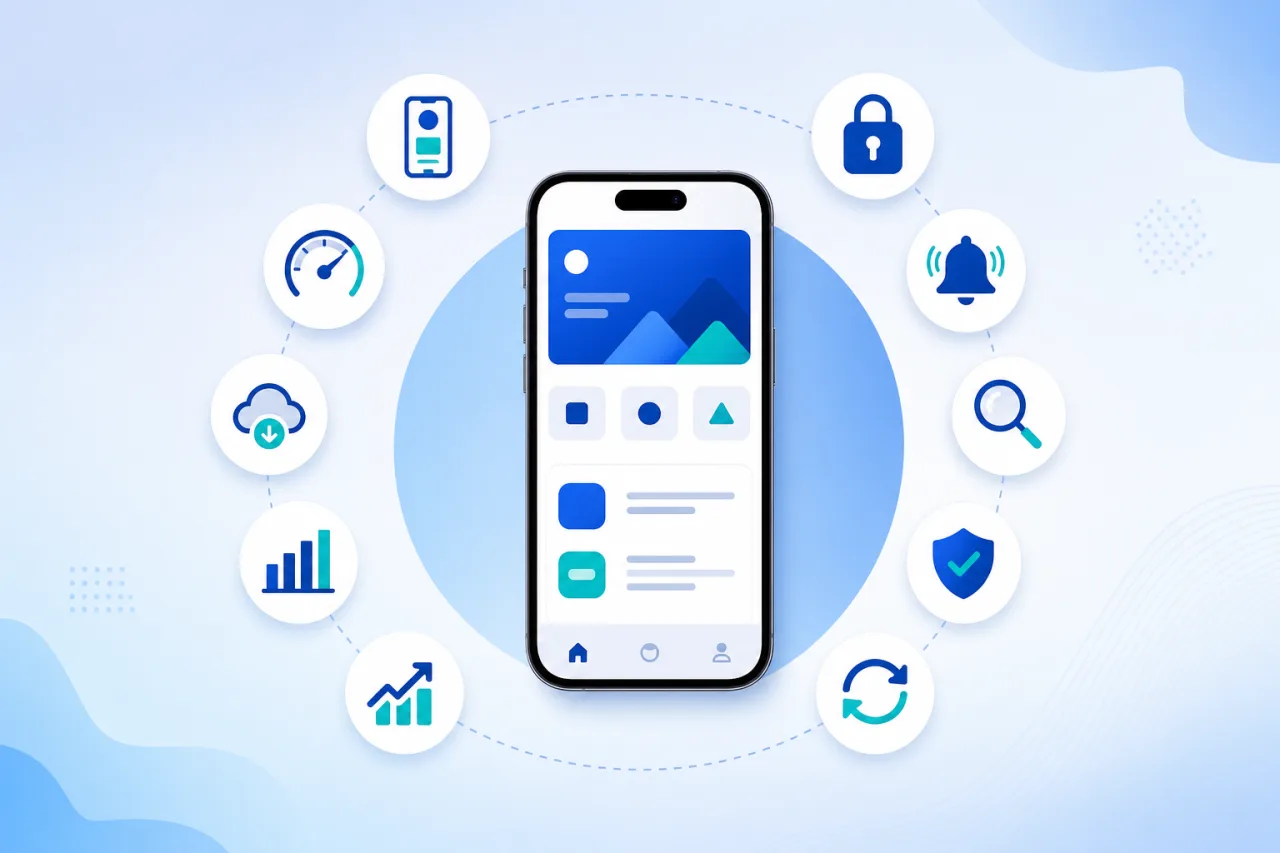
In this guide, we'll explore ten essential features that every successful mobile app should include and explain why they matter.
1. Simple and Intuitive User Interface
Your app should be easy to understand from the first launch.
Users should be able to complete important tasks without confusion or unnecessary steps.
A strong user interface includes:
- Clear navigation
- Consistent layouts
- Readable typography
- Accessible buttons
- Logical screen flow
- Responsive interactions
A positive first impression increases user retention and reduces abandonment. Professional UI/UX design helps ensure your interface feels intuitive from day one.
2. Fast Performance
Users expect mobile apps to respond instantly.
Slow loading times, lag, or crashes can quickly lead to poor reviews and lost customers.
Performance optimization includes:
- Fast screen loading
- Efficient data handling
- Optimized images
- Smooth animations
- Background task management
Performance should remain a priority throughout the app's lifecycle.
3. Secure User Authentication
Protecting user data is essential.
Depending on your business requirements, authentication options may include:
- Email and password login
- Social login
- Multi-factor authentication
- Biometric authentication
- Single sign-on
Secure authentication builds trust and helps protect sensitive information.
4. Push Notifications
Push notifications help businesses communicate directly with users.
Common uses include:
- Order updates
- Appointment reminders
- Promotional offers
- New feature announcements
- Payment confirmations
- Personalized recommendations
Notifications should be relevant and used thoughtfully to avoid overwhelming users.
5. Search and Filtering
As content or product catalogs grow, users need efficient ways to find information.
Useful search capabilities include:
- Keyword search
- Category filters
- Sorting options
- Location-based search
- Recent searches
- Suggested results
Effective search functionality improves the overall user experience.
6. Offline Functionality
Internet access is not always available.
Depending on your application, offline capabilities can allow users to:
- View saved information
- Continue working
- Access downloaded content
- Complete certain tasks without connectivity
Offline support enhances reliability and user satisfaction.
7. Analytics and User Insights
Understanding how users interact with your app helps improve future updates.
Analytics can provide insights into:
- Active users
- Session duration
- Feature usage
- User retention
- Conversion rates
- Drop-off points
These metrics support data-driven decision making.
8. Strong Security Measures
Every mobile app should protect user information and business data.
Important security features include:
- Data encryption
- Secure API communication
- Role-based access
- Session management
- Secure data storage
- Regular security updates
Security should be built into the app from the beginning rather than added later.
9. Scalability
Your app should be prepared for future growth.
A scalable architecture allows you to:
- Add new features
- Support more users
- Integrate additional services
- Expand into new markets
- Improve performance as demand increases
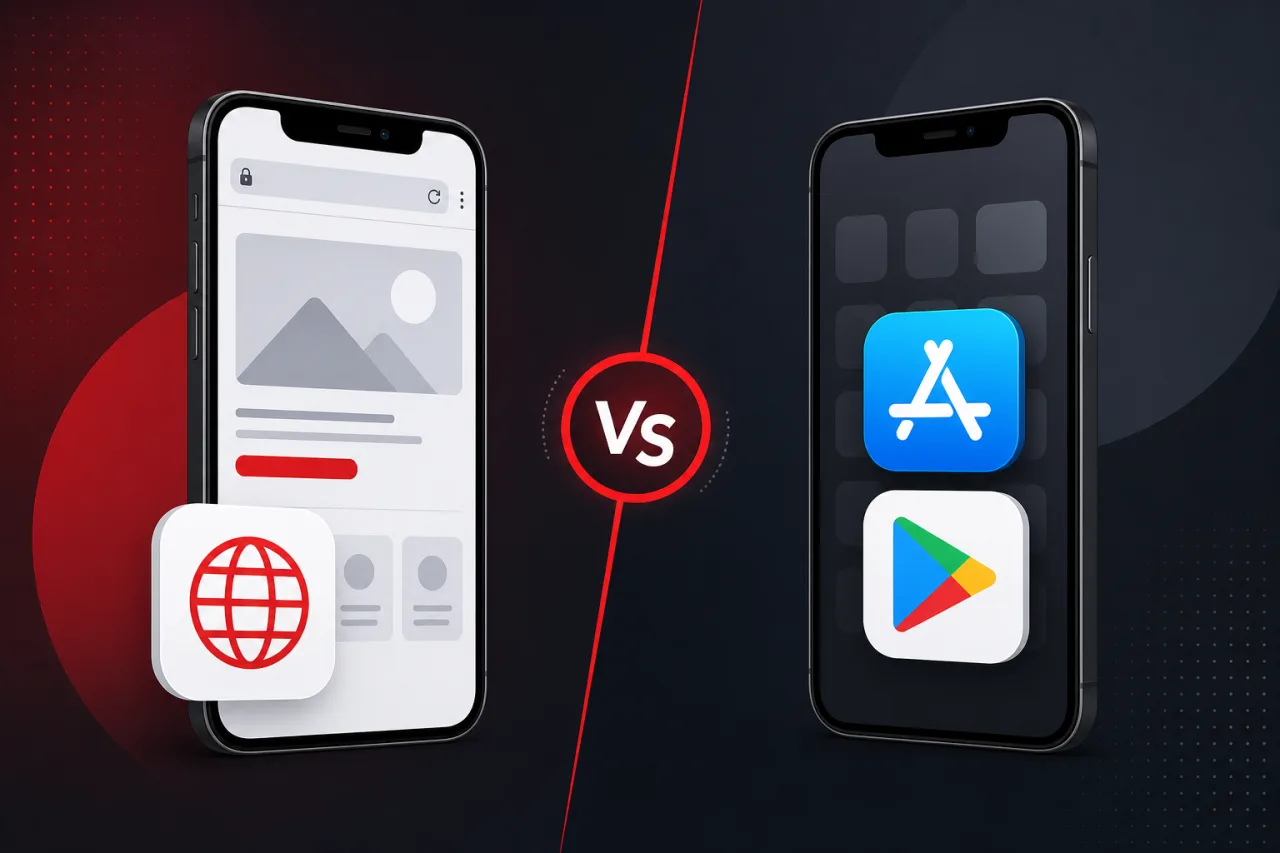
Planning for scalability early reduces future redevelopment costs. Our guide on native vs cross-platform app development explains how technology choices affect long-term scalability.
10. Regular Updates and Maintenance
Launching an app is only the beginning.
Ongoing maintenance includes:
- Bug fixes
- Performance improvements
- Security updates
- Compatibility with new operating systems
- Feature enhancements
- User experience improvements
Regular updates keep your app reliable, secure, and competitive.
Bonus Features That Can Add Value
Depending on your business model, additional functionality may include:
- In-app payments
- Live chat
- Appointment booking
- Loyalty programs
- QR code scanning
- GPS tracking
- AI-powered recommendations
- Voice search
- Multi-language support
- Dark mode
Not every app requires these features. The best choice depends on your users and business objectives.
How to Decide Which Features to Build First
Trying to launch with every possible feature often increases costs and delays your release.
A better approach is to prioritize features into three categories:
Essential features: Core functionality required for launch.
Important features: Enhancements that improve the user experience but are not critical for the initial release.
Future features: Advanced functionality that can be added based on user feedback and business growth.
This phased approach helps control development costs while delivering value quickly. Our MVP development services help businesses launch with the right feature set, and our mobile app development process guide walks through prioritization step by step.
Common Mistakes Businesses Make
When planning a mobile app, avoid these common mistakes:
- Adding too many features
- Ignoring user feedback
- Overlooking security
- Skipping usability testing
- Neglecting performance optimization
- Failing to plan for scalability
- Not budgeting for ongoing maintenance
Careful planning can prevent costly changes later. For help estimating investment, see how much mobile app development costs in 2026.
How Kodu Media Builds Feature-Rich Mobile Apps
At Kodu Media, we help businesses identify the features that create the greatest impact.
Our mobile app development services include:
- Business analysis
- Feature planning
- UI and UX design
- Android development
- iOS development
- Flutter development
- React Native development
- API integration
- Quality assurance
- App maintenance and support
Every application is designed to meet your business objectives while delivering an exceptional user experience. Explore our mobile app development company services to see how we approach feature planning and delivery.
Final Thoughts
The success of a mobile app depends on much more than its design. Features that improve usability, performance, security, and scalability create a better experience for users and support long-term business growth.
Instead of focusing on the number of features, focus on building the right features that solve real problems for your audience.
If you're planning a new mobile app, Kodu Media can help you identify the most valuable functionality, prioritize development, and build an application designed for long-term success.
Contact us today to discuss your project and discover how our mobile app development expertise can bring your vision to life.
Frequently Asked Questions
What are the most important features for a business mobile app?
Core features typically include user authentication, intuitive navigation, push notifications, search, security, analytics, and reliable performance. The exact requirements depend on your business goals.
Should I include every feature in the first version?
No. Launching with a focused set of essential features allows you to validate your app, collect user feedback, and add new functionality over time.
How do I decide which features are essential?
Prioritize features based on the problems your app solves, user expectations, and business objectives. An experienced development team can help define the right roadmap.
Can I add new features after launch?
Yes. Most successful apps evolve through regular updates that introduce new capabilities based on customer feedback and business needs.
How can Kodu Media help with feature planning?
Our team works closely with clients to understand their goals, prioritize functionality, design intuitive user experiences, and develop scalable mobile applications that support long-term growth.