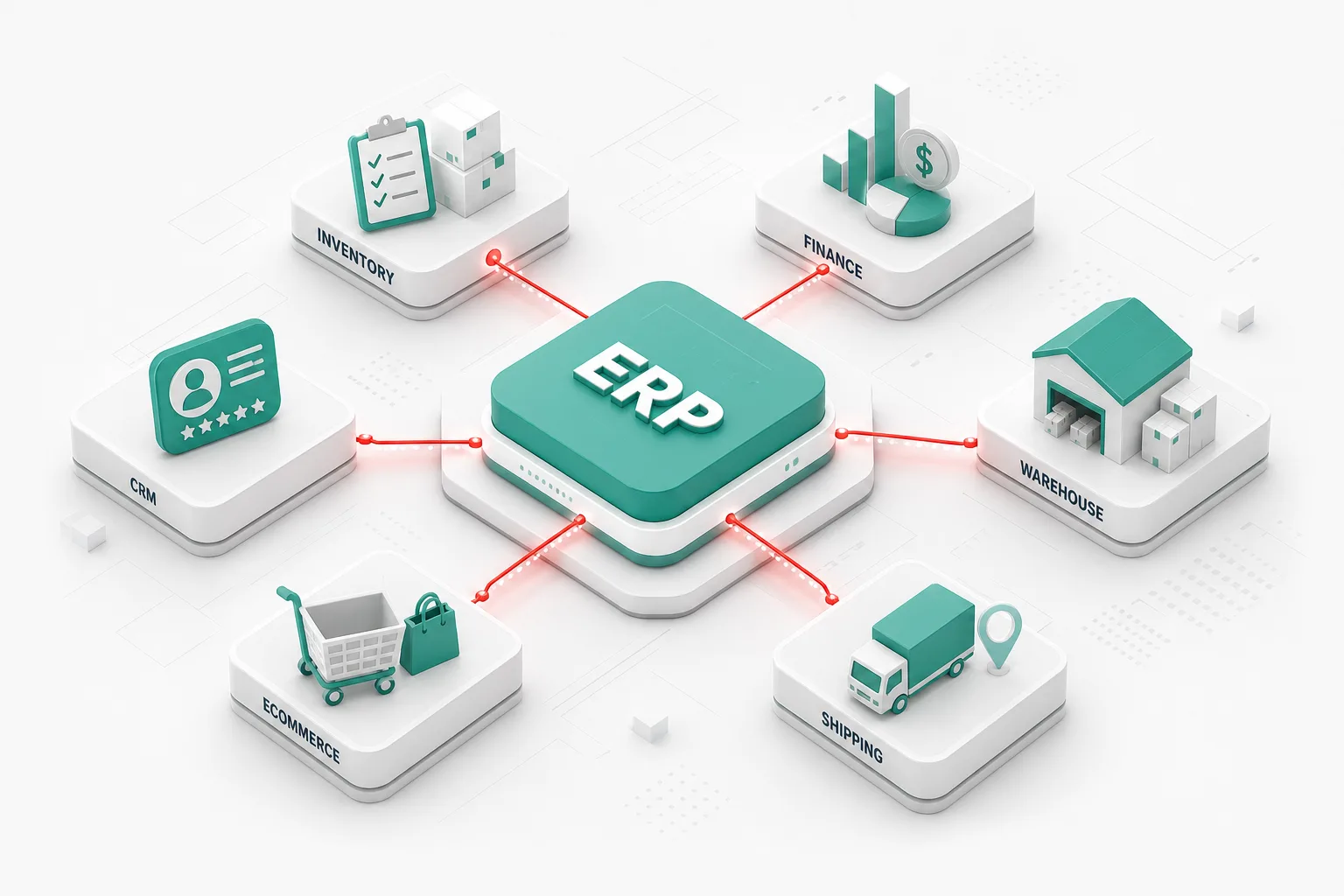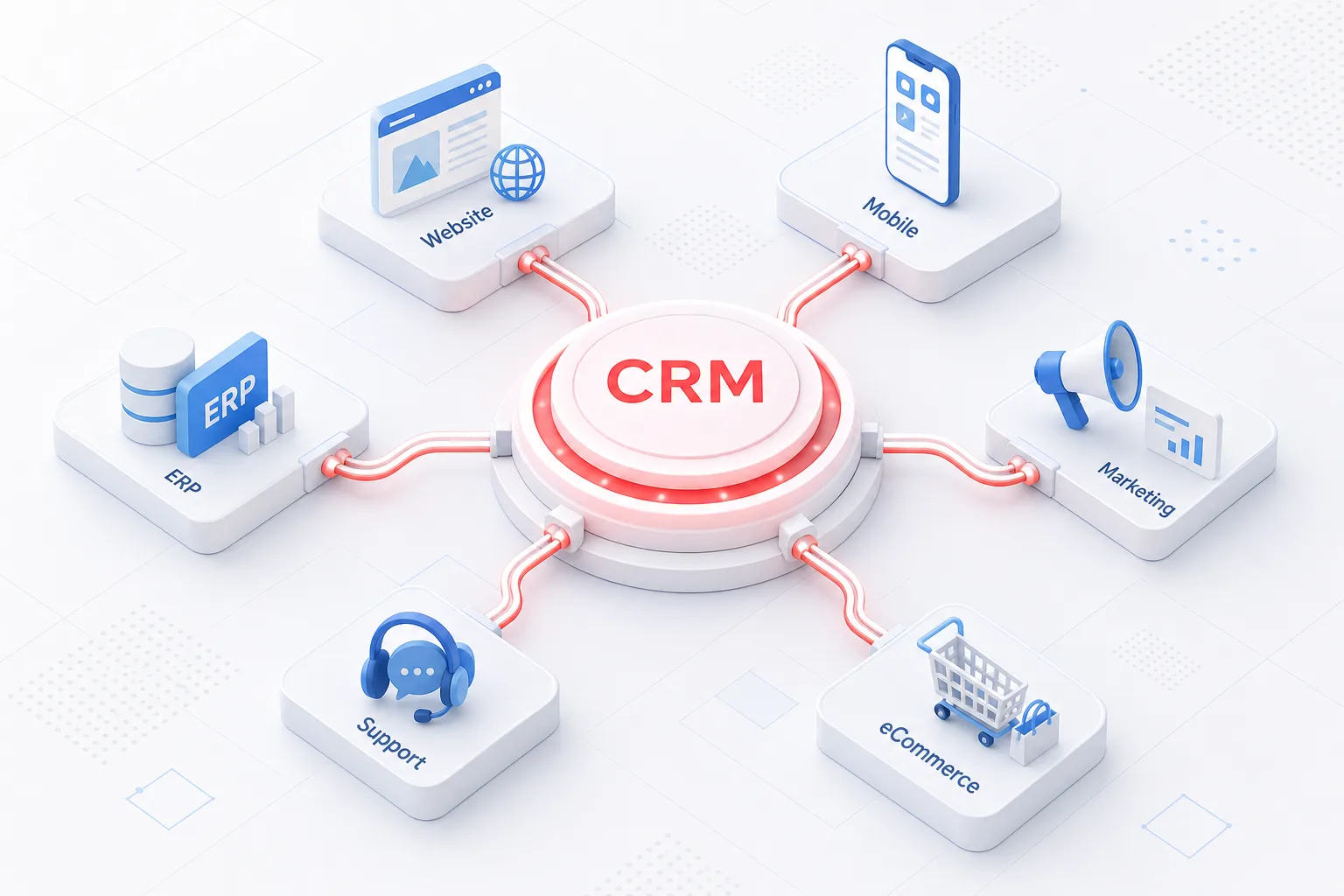
Customer Relationship Management (CRM) software has become an essential part of modern business operations. It helps organizations manage customer information, track sales opportunities, improve communication, and build stronger customer relationships.
However, a CRM delivers the greatest value when it works seamlessly with the rest of your technology stack. Integrating your CRM with websites, mobile applications, eCommerce platforms, ERP systems, accounting software, and marketing tools creates a connected business ecosystem where information flows automatically across departments.
Instead of manually entering customer data into multiple systems, businesses can automate workflows, improve accuracy, and provide better customer experiences.
In this guide, we'll explore the benefits of CRM integration, common business use cases, integration methods, implementation best practices, and how businesses can build a scalable connected ecosystem.
If you're planning a broader integration roadmap, start with our guide to API integration services.
What Is CRM Integration?
CRM integration is the process of connecting a Customer Relationship Management platform with other business applications to automatically exchange information and trigger workflows.
Rather than operating as an isolated system, the CRM becomes the central hub for customer data.
Businesses commonly integrate CRM platforms with:
- Company websites
- Mobile applications
- ERP systems
- Marketing automation software
- Customer support platforms
- Accounting software
- Payment gateways
- Inventory management systems
- Communication platforms
These integrations improve collaboration while reducing repetitive manual work.
Why CRM Integration Matters
Without integration, departments often work with different versions of customer information.
This can lead to:
- Duplicate records
- Manual data entry
- Delayed follow-ups
- Inconsistent customer experiences
- Reporting inaccuracies
CRM integration helps every department access accurate and up-to-date customer information.
Benefits of CRM Integration
Centralized Customer Information
Sales, marketing, customer support, and management teams can access the same customer records.
This improves communication and creates a more consistent customer experience.
Better Sales Productivity
Sales representatives spend less time entering data manually.
Integrated CRM systems can automatically:
- Capture website inquiries
- Update customer records
- Create follow-up reminders
- Track communications
- Generate sales reports
This allows sales teams to focus on building relationships and closing opportunities.
Improved Customer Experience
Integrated customer data helps businesses deliver:
- Personalized communication
- Faster responses
- Better support
- Consistent service across channels
- Accurate order information
Customers receive a smoother and more professional experience. For support-focused AI use cases, see how AI improves customer service.
Workflow Automation
CRM integration supports automation across multiple departments.
Examples include:
- Lead assignment
- Email follow-ups
- Quote generation
- Task creation
- Customer onboarding
- Renewal reminders
Automation reduces delays and improves operational efficiency.
Better Reporting and Analytics
Combining data from multiple systems creates more accurate business insights.
Organizations can monitor:
- Sales performance
- Marketing campaigns
- Customer lifetime value
- Revenue trends
- Support metrics
- Pipeline performance
These insights support better business decisions.
Common CRM Integrations
Website Integration
Websites can automatically send:
- Contact form submissions
- Quote requests
- Newsletter sign-ups
- Appointment bookings
directly into the CRM.
This eliminates manual lead entry and speeds up response times.
eCommerce Integration
Connecting CRM with an online store enables businesses to synchronize:
- Customer profiles
- Orders
- Purchase history
- Shipping status
- Loyalty information
Sales and support teams gain complete visibility into customer activity. Our WooCommerce development team often pairs store builds with CRM sync for order and customer data.
ERP Integration
CRM and ERP integration connects customer management with business operations.
Examples include:
- Inventory availability
- Invoices
- Purchase orders
- Financial records
- Delivery status
This creates a unified view of both customer relationships and business operations.
Marketing Automation Integration
Marketing platforms can exchange data with the CRM to:
- Synchronize leads
- Track campaign performance
- Segment audiences
- Trigger email workflows
- Measure conversions
This improves marketing effectiveness while reducing manual work.
Customer Support Integration
Support platforms integrated with CRM allow agents to view:
- Customer history
- Previous conversations
- Orders
- Service requests
- Account information
This helps resolve issues more quickly.
Mobile App Integration
Mobile applications can connect with CRM systems to:
- Display customer information
- Capture new leads
- Update service requests
- Schedule appointments
- Synchronize field sales activities
This supports employees working outside the office. See our mobile app development services for CRM-connected field and sales apps.
CRM Integration Methods
Businesses typically connect CRM systems using:
- REST APIs
- GraphQL APIs
- Webhooks
- Middleware platforms
- Custom integrations
- Cloud integration services
The best method depends on your existing technology and business requirements. For architecture trade-offs, compare REST API vs GraphQL.
CRM integrations also pair well with AI integration when you want lead scoring, conversation summaries, or automated follow-up recommendations inside the CRM.
Challenges of CRM Integration
Businesses should prepare for common challenges such as:
- Duplicate data
- Legacy software
- Poor API documentation
- Authentication issues
- Data synchronization conflicts
- User adoption
- Security requirements
Careful planning helps reduce implementation risks.
Best Practices for CRM Integration
To improve project success:
Define Business Goals
Identify the workflows and outcomes you want to improve before beginning development.
Standardize Data
Use consistent customer records, field names, and formats across all systems.
Secure Data
Protect customer information using authentication, encryption, and role-based permissions.
Test Thoroughly
Validate synchronization, workflows, reporting, and error handling before deployment.
Monitor Performance
Review integrations regularly to ensure data remains accurate and systems continue operating correctly.
How Kodu Media Helps Businesses Integrate CRM Systems
At Kodu Media, we build secure CRM integrations that improve productivity and streamline business operations.
Our services include:
- CRM consulting
- Custom CRM integration
- API development
- Website integration
- Mobile app integration
- ERP integration
- Marketing automation integration
- AI-powered CRM enhancements
- Workflow automation
- Ongoing maintenance and support
Every integration is designed to improve efficiency, eliminate manual work, and support long-term business growth.
Our API development and integration team works with custom software, AI development, SaaS development, mobile apps, and WooCommerce so your CRM becomes a connected hub across the business.
Final Thoughts
CRM integration helps businesses connect customer information with the tools they use every day.
By automating data exchange, improving collaboration, and reducing manual work, integrated CRM systems enable organizations to deliver better customer experiences while operating more efficiently.
Whether you're connecting your CRM with your website, mobile app, ERP platform, or marketing software, the right integration strategy can create lasting business value.
If you're planning a CRM integration project, Kodu Media can help you design, develop, and maintain secure integrations tailored to your business requirements.
Contact us today to discuss your CRM integration goals.
Frequently Asked Questions
What is CRM integration?
CRM integration connects a Customer Relationship Management platform with other business applications so information can be shared automatically.
Why should I integrate my CRM?
Integration reduces manual work, improves customer data accuracy, automates workflows, and enhances collaboration across departments.
Can CRM integrate with my website and mobile app?
Yes. Modern CRM platforms can integrate with websites, mobile applications, eCommerce platforms, ERP systems, and many other business tools through APIs.
Is CRM integration secure?
Yes. Secure integrations use authentication, encryption, access controls, and monitoring to protect customer information.
Does Kodu Media provide custom CRM integration services?
Yes. We design, develop, and maintain custom CRM integrations for websites, mobile apps, ERP systems, marketing platforms, AI solutions, and other business applications.