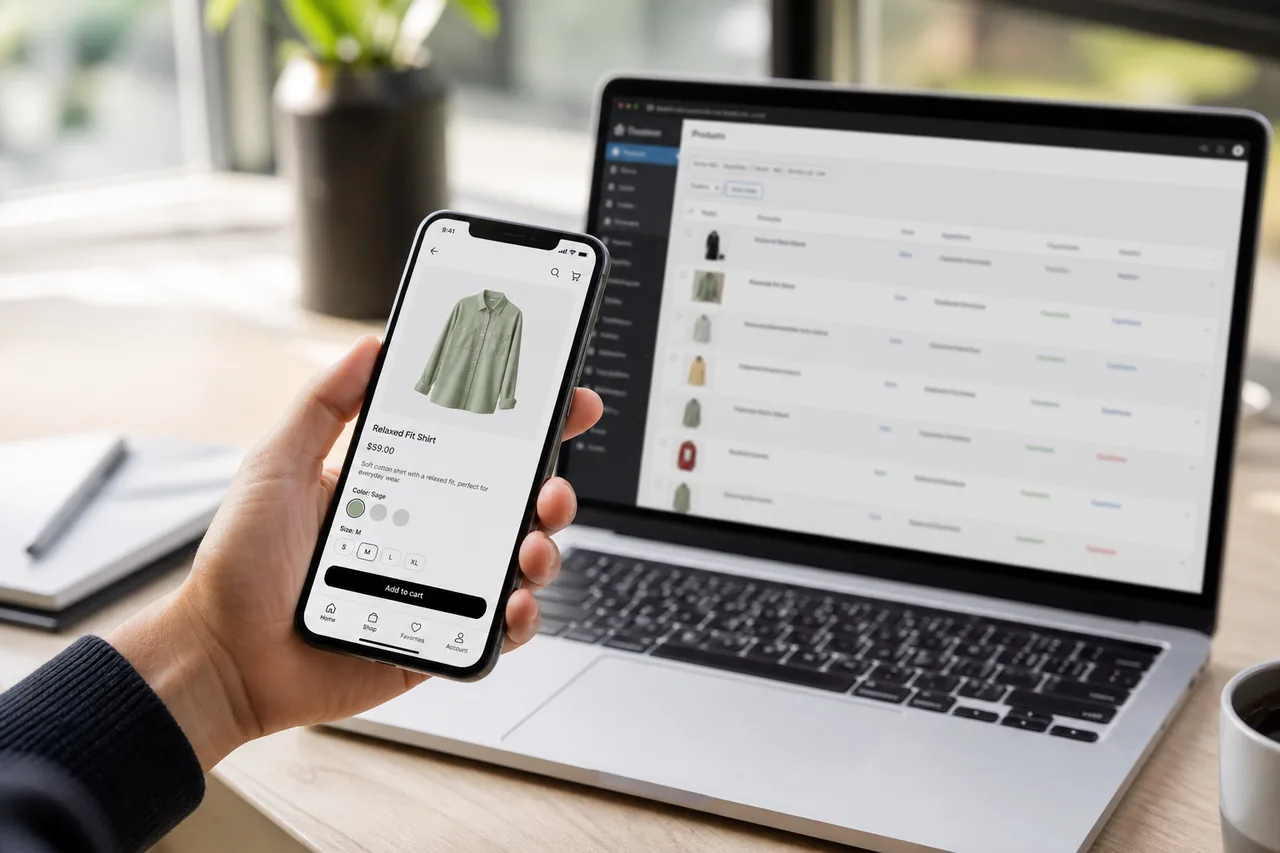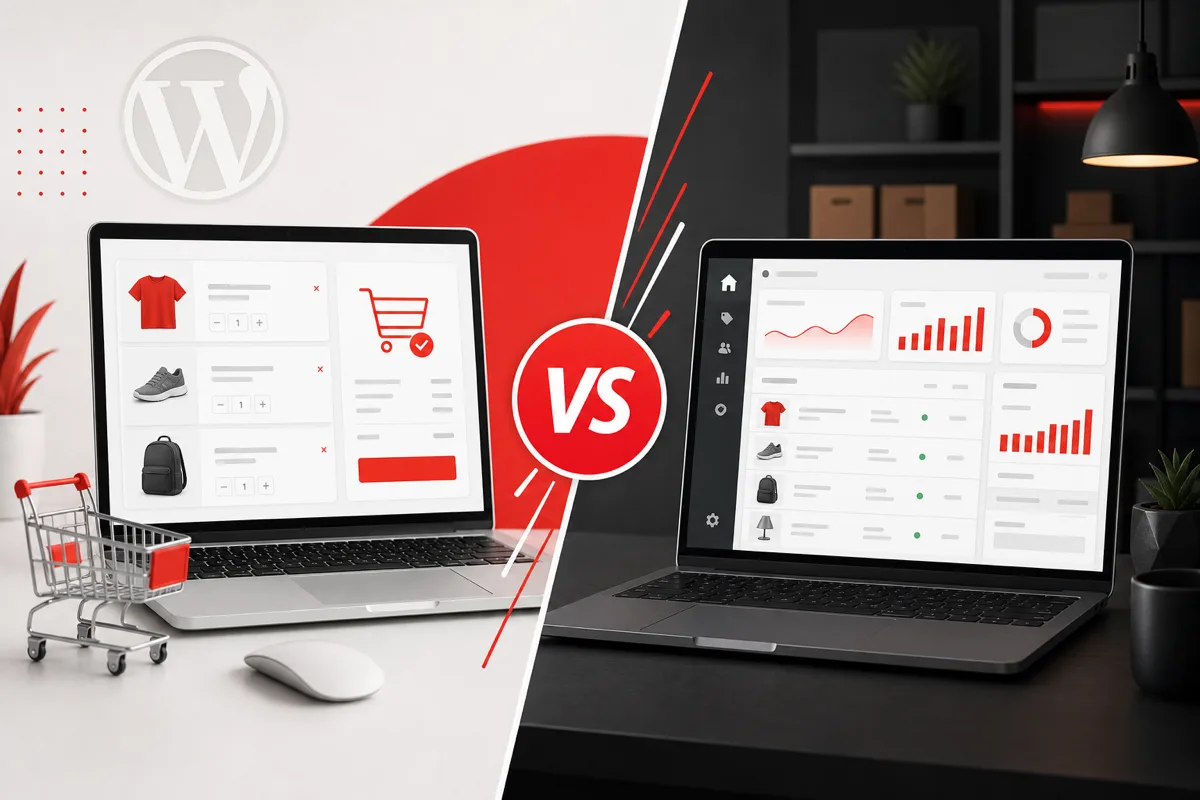
Traditional WooCommerce couples your storefront theme tightly to WordPress. Headless WooCommerce development separates them: WooCommerce stays the commerce engine, while a custom frontend delivers the customer experience through APIs.
That separation is why headless connects so cleanly to the content you already have on Kodu Media:
- WooCommerce API Integration for Mobile Apps
- WooCommerce Mobile App Development
- AI-Powered eCommerce Mobile App Development
- AI in eCommerce
- WordPress Performance Optimization
This guide explains what headless WooCommerce is, when it is worth it, how architecture works, how performance and SEO should be handled, how checkout and AI fit in, what it costs, how migration usually runs, and which mistakes to avoid.
Related services: WooCommerce Development Company, Next.js Development Company, API Development and Integration Services, Custom Software Development Company.
What Is Headless WooCommerce?
Headless WooCommerce means using WooCommerce as the backend for products, customers, carts, orders, and operations, while building the customer-facing experience on a separate frontend that talks to WooCommerce through APIs.
Traditional WooCommerce
WordPress + WooCommerce + Theme → Customer
The theme renders the store. Plugins and PHP templates shape most of the experience. This is still the right choice for many stores.
Headless WooCommerce
WooCommerce → API → Custom Frontend → Customer
WooCommerce remains the commerce engine. The frontend can be built with modern web frameworks, and the same APIs can also power mobile apps and other channels.
Headless is not “WooCommerce without WordPress.” It is WooCommerce without forcing every customer experience through a classic theme stack.
For teams already invested in WooCommerce operations, that distinction matters. You can keep merchandising, order management, and many extensions in a familiar admin while upgrading the customer-facing layer with modern web and mobile delivery.
Traditional vs Headless WooCommerce
| Feature | Traditional WooCommerce | Headless WooCommerce |
|---|---|---|
| Frontend | WordPress theme | Custom frontend |
| Backend | WooCommerce | WooCommerce |
| API dependency | Moderate | High |
| Design flexibility | Good | Excellent |
| Performance potential | Good | High |
| Mobile integration | Additional work | Easier with shared APIs |
| Custom experiences | Limited by theme architecture | Highly flexible |
| Development complexity | Lower | Higher |
| SEO ownership | Mature theme patterns | Must be engineered carefully |
| Maintenance model | Theme/plugin updates | Frontend + API + WooCommerce |
Headless increases flexibility and complexity at the same time. That tradeoff is the real decision.
How Headless WooCommerce Architecture Works
``text WooCommerce │ ↓ API Layer │ ┌───────────┼───────────┐ ↓ ↓ ↓ Website Mobile App AI Layer │ │ │ └───────────┼───────────┘ ↓ Customers ``
What flows through APIs
- Products, categories, attributes, and media
- Customer accounts and addresses
- Cart and checkout orchestration
- Orders and order status
- Inventory and availability
- Coupons and promotions
- Shipping methods and rates
Why an API layer still matters
Direct frontend-to-WooCommerce calls can work for prototypes. Production systems usually benefit from middleware that handles:
- Auth and secrets
- Caching
- Mobile-shaped payloads
- Webhooks
- AI tool access
- Monitoring
Deep dive: WooCommerce API Integration for Mobile Apps.
Why Businesses Choose Headless WooCommerce
Greater frontend flexibility
Design and interaction patterns are not constrained by theme templates.
Better performance opportunities
SSR, SSG, CDN delivery, and frontend optimization can improve perceived speed when the backend is healthy.
Custom UX
Unique product finders, guided selling, B2B workflows, and branded experiences become easier.
Omnichannel commerce
One commerce backend can support web, app, and other digital experiences.
Mobile app integration
Shared APIs reduce duplicate catalog and order logic.
AI integration
Recommendations, search, and assistants can sit beside the frontend without fighting theme limitations.
Advanced personalization
Homepages and collections can adapt by segment or session.
Easier experimentation
Frontend teams can ship UX experiments faster when commerce rules stay in WooCommerce/API services.
Multiple frontend experiences
Regional sites, brand microsites, or partner portals can reuse the same commerce core.
Headless WooCommerce and Mobile Apps
This is one of the strongest commercial reasons to go headless or API-first.
The same WooCommerce backend can power:
Website + iOS + Android + other digital experiences
``text WooCommerce │ API Layer │ ┌───────────┼───────────┐ ↓ ↓ ↓ Web App iOS App Android App ``
Instead of building one theme stack and a totally separate app backend, you invest in commerce APIs once and consume them across channels.
Bridge reading:
- WooCommerce API Integration for Mobile Apps
- WooCommerce Mobile App Development
- How to Build an AI-Powered eCommerce Mobile App
- Mobile App Development Company
Headless web and mobile apps are different products, but they share the same architectural foundation.
Headless WooCommerce + AI
A headless architecture can make AI-powered experiences easier to introduce because the frontend and AI services both consume structured APIs.
Common AI additions:
- AI product search
- AI shopping assistant
- Product recommendations
- Personalized storefronts
- AI customer support
- Dynamic content
- Personalized offers
Architecture:
WooCommerce ↓ API ↓ AI Services ↓ Custom Frontend ↓ Personalized Experience
Cluster links:
- AI in eCommerce
- AI-Powered Search for eCommerce
- AI Product Recommendations for WooCommerce
- AI Chatbot for WooCommerce
- AI-Powered eCommerce Mobile App Development
Important caveat: AI does not require headless. Many AI features can run on traditional WooCommerce. Headless helps when you need custom presentation and multi-channel delivery around those AI capabilities.
Technology Options for Headless WooCommerce
Frontend web technologies
- Next.js
- React
- Vue
- Nuxt
- Other JavaScript frameworks
Next.js is a frequent choice for commerce because of SSR/SSG options, routing, and SEO-friendly rendering patterns. See Next.js Development Company and React.js Development Company.
Mobile technologies
- Flutter
- React Native
- Native iOS (Swift)
- Native Android (Kotlin)
Comparisons: Flutter vs React Native and Native vs Cross-Platform.
How to choose
Select based on:
- Project requirements
- Existing systems
- Team expertise
- SEO needs
- Timeline
- Long-term maintenance
Do not choose a stack only because it is trendy.
| Layer | Common options | Decision lens |
|---|---|---|
| Web frontend | Next.js, React, Nuxt | SEO, UX, team skills |
| Mobile | Flutter, RN, native | Platforms, UI, timeline |
| API | REST, GraphQL, middleware | Security, caching, shape |
| Commerce | WooCommerce | Catalog, orders, ops |
| AI | Search, recs, assistants | KPI-driven feature scope |
Headless WooCommerce Performance
Headless creates performance opportunity. It does not guarantee speed.
Frontend techniques that help
- Server-side rendering
- Static generation where catalogs allow
- CDN delivery
- Image optimization
- Lazy loading
- Code splitting
- Edge delivery for global audiences
Backend and API techniques that still matter
- API caching
- Database optimization
- Pagination
- Background processing
- Stock-aware cache invalidation
The critical clarification
Poor API architecture or a slow WooCommerce origin can still create bottlenecks. If product and stock calls are slow, the fanciest frontend will still feel slow.
Performance context: WordPress Performance Optimization Guide.
| Bottleneck | Symptom | Fix direction |
|---|---|---|
| Slow WooCommerce queries | PDP and search lag | DB/plugin/query optimization |
| Uncached API calls | Browse feels sticky | Cache + invalidation |
| Huge payloads | Slow mobile render | Mobile-shaped APIs |
| Heavy images | Poor LCP | Responsive media pipeline |
| Chatty client requests | Waterfalls | Aggregation endpoints |
SEO in Headless WooCommerce
SEO is where many headless projects fail. Traditional WooCommerce themes already solve a lot of crawl and metadata basics. In headless, your team owns those responsibilities.
Must-handle SEO foundations
- Server-side rendering or equivalent crawlable HTML
- Metadata for products, categories, and content pages
- Canonical URLs
- XML sitemaps
- Structured data / product schema
- Internal linking
- Pagination strategy
- Indexation controls
- Crawlability of key templates
- Core Web Vitals
Product SEO specifics
- Stable product URLs
- Clean category architecture
- Unique titles and descriptions
- Availability and price signals in structured data
- Careful handling of variant URLs
- Redirect maps during migration
SEO context: How to Improve Website SEO.
If your headless frontend cannot be crawled and understood reliably, you may trade short-term design freedom for long-term organic traffic loss.
Headless WooCommerce and Checkout
Checkout is the highest-risk part of headless commerce.
Common approaches
- WooCommerce-native checkout experiences bridged carefully
- Custom checkout UI with server-side order creation
- Hosted checkout from a payment provider
- Payment gateway APIs with backend confirmation
- Hybrid models for speed to launch
What checkout must handle carefully
- Authentication and guest checkout
- Cart state consistency
- Payment security
- Customer information protection
- Taxes and shipping quotes
- Coupon validation
- Order creation and failure recovery
- Inventory revalidation before purchase
Sensitive credentials must stay server-side. Never embed privileged WooCommerce or gateway secrets in the frontend.
Checkout design should be decided early, not after the marketing pages look perfect.
Content, Merchandising, and Operations
Headless changes who owns which experience.
What usually stays in WooCommerce
- Product data
- Orders
- Coupons
- Tax/shipping configuration
- Many operational workflows
What may move to the frontend or CMS
- Landing pages
- Editorial storytelling
- Campaign modules
- Highly custom collection UX
Some brands keep WordPress as a content CMS beside WooCommerce commerce data. Others introduce a separate CMS. Choose based on who publishes content and how often campaigns change.
The goal is not maximum decoupling. The goal is a system merchants can actually run.
When Should You Choose Headless WooCommerce?
Good candidates usually have one or more of these:
- Large product catalogs
- High traffic stores
- Highly customized UX requirements
- Multiple digital channels
- Mobile apps in roadmap
- Complex integrations
- AI-powered shopping experiences
- Strong frontend performance requirements
- Brand experiences that outgrow theme constraints
If several of these are true, headless or API-first architecture becomes easier to justify.
When Headless WooCommerce May Not Be Necessary
This section matters for credibility.
A traditional WooCommerce setup may be better when:
- The store is relatively simple
- Budget is limited
- Standard themes or well-built custom themes work well
- There are few integrations
- Development resources are limited
- A custom frontend provides little measurable business benefit
- SEO risk from a rebuild outweighs UX gains
Headless should solve a business problem. “Modern stack” is not a business problem by itself.
For many growing brands, the smarter sequence is:
- Strengthen traditional WooCommerce performance and conversion
- Introduce API middleware for app/AI readiness
- Go headless on web when frontend constraints become the bottleneck
A Simple Decision Framework
Use this as a practical filter before budgeting a headless rebuild.
Lean traditional WooCommerce if
- Most revenue comes from a straightforward catalog and standard checkout
- Your theme can support the brand experience with custom development
- You do not need multiple frontends soon
- SEO risk from URL/platform change is high relative to expected upside
Choose API-first / hybrid if
- A mobile app is coming, but the website theme is still acceptable
- You need AI search or recommendations without a full frontend rewrite
- You want to reduce future migration risk while shipping value now
Choose full headless if
- Custom UX is a competitive advantage, not a preference
- Multiple channels must share one commerce core
- Theme constraints are blocking conversion experiments
- You have budget and ownership for frontend + API + WooCommerce operations
Write the business case in one sentence before you write the architecture diagram. If you cannot, the project is probably early. A clear outcome such as “share one commerce API across web and iOS while improving PDP conversion” is a better starting point than “rebuild on a modern stack.”
Risk Register Leaders Should Review
Before approving headless WooCommerce development, review these risks explicitly:
| Risk | Why it matters | Mitigation |
|---|---|---|
| SEO regression | Organic revenue can drop after URL/rendering changes | SSR, redirects, schema QA, post-launch crawl plan |
| Checkout fragility | Payment edge cases become support crises | Server-side orchestration, idempotency, real gateway tests |
| Merchant lockout | Campaign speed dies if everything needs engineering | Clear CMS/merchandising boundaries |
| API bottlenecks | Fancy UI still feels slow | Caching, pagination, origin optimization |
| Scope inflation | “While we are rebuilding…” destroys timeline | MVP channel and journey limits |
| Ownership gaps | Incidents have no clear responder | Named owners for frontend, API, WooCommerce |
Projects that acknowledge these risks early usually ship cleaner than projects that discover them in week ten.
How Much Does Headless WooCommerce Development Cost?
There is no honest universal price. Headless usually costs more than a theme build because you are funding frontend, API, and commerce work.
| Project tier | Typical planning band | What it usually includes |
|---|---|---|
| Headless MVP storefront | $15,000-$40,000+ | Core browse/PDP/cart flows, API layer, basic SEO |
| Production headless commerce | $40,000-$100,000+ | Checkout hardening, caching, integrations, stronger SEO |
| Multi-channel headless + apps | $75,000-$200,000+ | Web + mobile consumption, advanced UX, AI readiness |
| Enterprise omnichannel | $150,000+ | Complex rules, multiple fronts, governance, scale |
Kodu Media package starting points include Shopify/WooCommerce from $3,999 and custom platforms from higher tiers, while headless builds are scoped from architecture needs. See pricing, Website Development Cost USA, and WooCommerce Development Company.
Cost drivers
- UX/UI design depth
- Frontend development scope
- API architecture quality
- WooCommerce customization
- Backend/middleware
- Search experience
- Checkout complexity
- Third-party integrations
- Mobile apps
- AI features
- Hosting and edge infrastructure
- Testing and SEO migration work
- Ongoing maintenance
A beautiful frontend with a fragile checkout is not a successful headless project.
Headless WooCommerce Migration
A practical migration sequence:
- Audit current WooCommerce store
- Define architecture
- Design frontend
- Build API layer
- Develop frontend
- Integrate checkout
- Integrate third-party services
- Test SEO
- Performance testing
- Launch and monitor
Audit priorities
- Catalog quality and attributes
- URL inventory and rankings
- Plugin dependencies that break when headless
- Checkout and tax/shipping edge cases
- Content ownership
- Analytics and conversion tracking
Launch priorities
- Redirect map for changed URLs
- Sitemap and robots validation
- Structured data QA
- Stock and price parity checks
- Payment failure paths
- Real-device performance testing
- Rollback plan
Migrations fail when teams treat them as redesigns only. They are commerce platform changes.
SEO migration detail that saves traffic
Before cutover, inventory:
- Indexed product and category URLs
- Top landing pages by organic revenue
- Existing redirects already in place
- Canonical patterns and faceted navigation rules
- Blog/content URLs if WordPress content remains or moves
Then build:
- One-to-one redirects wherever URLs change
- Parity checks for titles, indexation, and structured data
- A post-launch crawl and Search Console monitoring plan for 2-4 weeks
Organic revenue is often the hidden risk in headless commerce migrations. Treat it as a first-class workstream.
Common Headless WooCommerce Mistakes
- Going headless without a clear business reason
- Ignoring SEO until after launch
- Poor API design
- No caching strategy
- Rebuilding functionality WooCommerce already handles well
- Underestimating checkout complexity
- Ignoring maintenance ownership after launch
- Choosing technology based only on trends
- Assuming headless automatically improves Core Web Vitals
- Creating a frontend merchants cannot update
- Separating web and app into two disconnected commerce systems
- Shipping AI personalization before event tracking and catalog quality are ready
Build vs Hybrid Approaches
Not every project needs a full rewrite on day one.
Full headless
Custom frontend for all shopper experiences.
Hybrid
Keep some WordPress/WooCommerce templates while moving high-value journeys headless first, such as homepage, PLP/PDP, or campaign landing systems.
API-first traditional store
Stay on a theme temporarily, but build the middleware and event architecture now so apps and future headless work are easier.
Hybrid and API-first paths often reduce risk for mid-market brands.
Hosting and Infrastructure for Headless Commerce
Headless usually means more moving parts than a single WordPress host.
Typical infrastructure pieces
- WooCommerce / WordPress hosting optimized for admin and API origin
- Frontend hosting for the custom storefront
- CDN for assets and often HTML at the edge
- Redis or equivalent for object/API caching where appropriate
- Background workers for webhooks, reindexes, and sync jobs
- Monitoring for uptime, latency, error rates, and checkout failures
Ownership questions to answer early
- Who patches WooCommerce and plugins?
- Who deploys the frontend?
- Who owns incident response when checkout fails?
- Who monitors Core Web Vitals after launch?
- Who approves catalog or URL changes that affect SEO?
Headless succeeds when operations are explicit. It fails when everyone assumes “the other team” owns production.
Team Roles That Make Headless Work
A durable headless WooCommerce program usually needs:
- Product owner for commerce outcomes
- UX/UI for conversion-focused journeys
- Frontend engineers for the storefront
- Backend/API engineers for middleware and WooCommerce integration
- SEO specialist involved before migration, not after
- QA covering devices, payments, and edge cases
- Merchandising/ops training so the store remains runnable
If your organization only has theme developers and no API ownership plan, headless complexity will show up as delayed launches and fragile releases.
Analytics and Experimentation in Headless Stores
Decoupling the frontend can break tracking if you are not careful.
Plan for:
- Consistent product, cart, and purchase events across web and app
- Server-side or hardened conversion tracking where needed
- Experiment frameworks that do not fight caching
- Clear attribution for AI modules such as search and recommendations
- Funnel dashboards that merchandisers and leadership trust
Without analytics parity, you cannot prove whether headless improved conversion or only changed the stack.
B2B and Complex Catalog Considerations
Headless is often attractive for B2B or complex catalogs because custom UX can handle:
- Customer-specific pricing
- Quote and approval workflows
- Large variant matrices
- Account-based catalogs
- Reorder and replenishment patterns
These requirements increase API and auth complexity. They are also where traditional themes often feel most constrained. If this is your situation, evaluate headless against the cost of forcing B2B journeys into a DTC theme model.
Governance: Keeping Merchants in Control
The worst headless outcome is a beautiful storefront merchants cannot update without engineering tickets.
Protect merchant control with:
- Clear boundaries for what is CMS-editable vs code-deployed
- Preview environments for campaign pages
- Safe merchandising controls for collections and badges
- Documented processes for product launches
- Guardrails so content edits cannot break SEO templates
Headless should increase brand expression without removing operational speed.
How Kodu Media Builds Headless WooCommerce
Kodu Media treats headless WooCommerce as a commerce architecture decision, not a frontend trend.
We help with:
- Headless vs traditional vs hybrid recommendations
- WooCommerce readiness and cleanup
- API / middleware architecture
- Next.js and modern frontend delivery
- Checkout and payment orchestration
- SEO migration planning
- Mobile app and AI channel readiness
- Performance and post-launch iteration
Explore:
- WooCommerce Development Company
- Next.js Development Company
- API Development and Integration Services
- Custom Software Development Company
- Mobile App Development Company
- AI Development Company
- Pricing
Frequently Asked Questions
What is headless WooCommerce?
It is an architecture where WooCommerce remains the commerce backend while a custom frontend, and often mobile apps, deliver the customer experience through APIs.
Is headless WooCommerce faster than traditional WooCommerce?
It can be, when frontend rendering, CDN, caching, and APIs are designed well. It is not automatically faster if the backend or API layer is slow.
Do I need headless WooCommerce for a mobile app?
Not always. You do need solid APIs. Many brands start API-first for apps, then decide later whether the website should also go headless.
Is SEO harder with headless WooCommerce?
It can be if crawlability, metadata, sitemaps, and structured data are ignored. With SSR and proper SEO engineering, headless can perform well.
What frontend is best for headless WooCommerce?
Next.js is a common choice for SEO-sensitive commerce, but the best stack depends on team skills and project requirements.
How does checkout work in headless WooCommerce?
Through carefully designed server-side flows that validate cart state, process payment securely, and create orders in WooCommerce. Exact patterns vary by gateway and risk tolerance.
Can AI work with headless WooCommerce?
Yes. Headless often makes it easier to present AI search, recommendations, and assistants inside custom UX while WooCommerce remains the data source.
How much does headless WooCommerce development cost?
MVP storefronts often start in the mid-to-high five figures depending on scope. Multi-channel and enterprise builds cost more. See pricing.
Should a small store go headless?
Usually no, unless there is a clear UX, performance, or multi-channel reason that outweighs complexity and cost.
Does Kodu Media build headless WooCommerce stores?
Yes. We design and build headless and hybrid WooCommerce architectures, including APIs, modern frontends, mobile channel readiness, and AI-enabled experiences when they support revenue goals.
Related Services and Guides
WooCommerce cluster
- WooCommerce Development Company
- WooCommerce API Integration for Mobile Apps
- WooCommerce Mobile App Development
- WooCommerce vs Shopify
- WordPress Performance Optimization Guide
- How to Improve Website SEO
- Next.js Development Company
AI cluster
- AI in eCommerce
- AI-Powered Product Recommendations for WooCommerce
- How to Add an AI Chatbot to a WooCommerce Store
- AI-Powered Search for eCommerce
- How to Build an AI-Powered eCommerce Mobile App
Mobile app cluster
- Mobile App Development Company
- Flutter vs React Native
- How Much Does Mobile App Development Cost in 2026?
- Flutter Development
- React Native Development
- API Development and Integration Services
Ready to Evaluate Headless WooCommerce?
If your storefront is constrained by theme architecture, or you need one WooCommerce backend to power web, apps, and AI experiences, headless may be the right next step.
If your store is simpler, a traditional or hybrid WooCommerce approach may deliver better ROI. Share your catalog size, traffic, SEO dependency, app plans, and UX goals. Kodu Media will recommend the architecture that fits the business, not just the trend.
The best headless projects start with a constrained MVP: one primary storefront journey, a secure API layer, checkout you trust, and measurement that proves lift. Expand to apps and AI once the commerce foundation is stable and the team can operate the new stack confidently.
Book a free consultation · Request a custom quote · View pricing packages