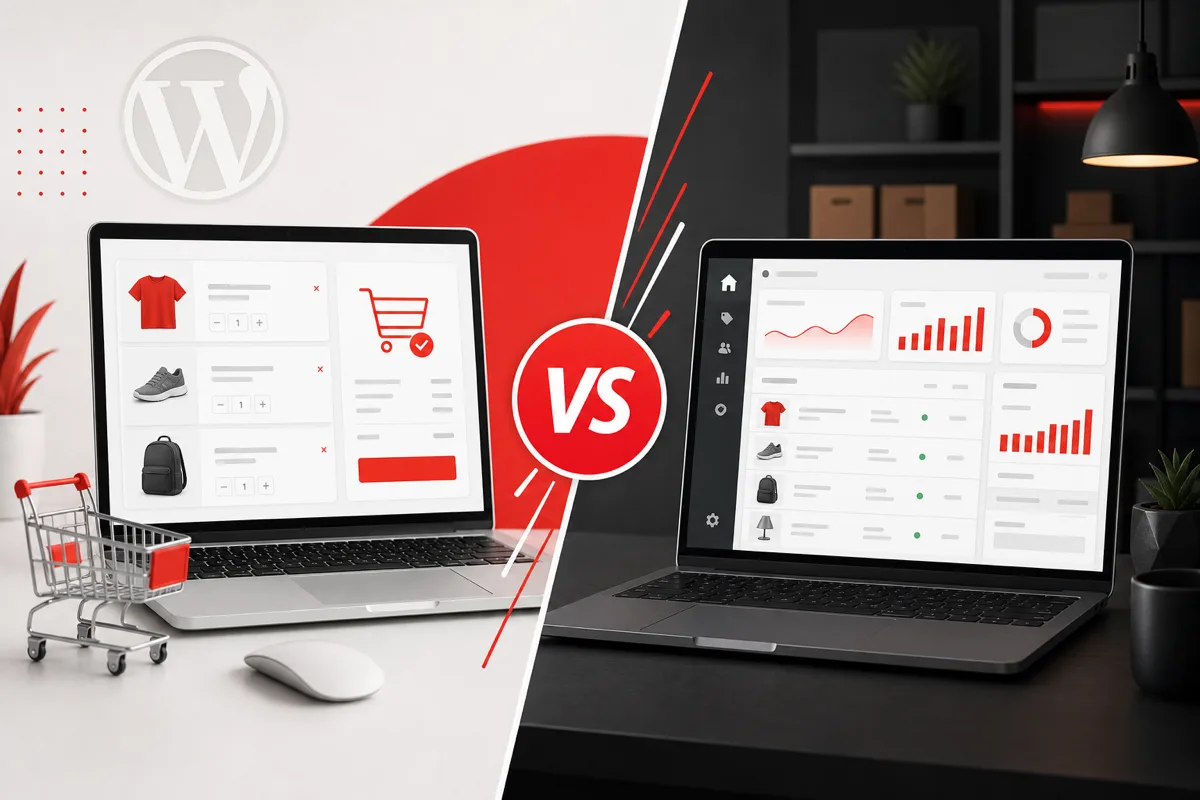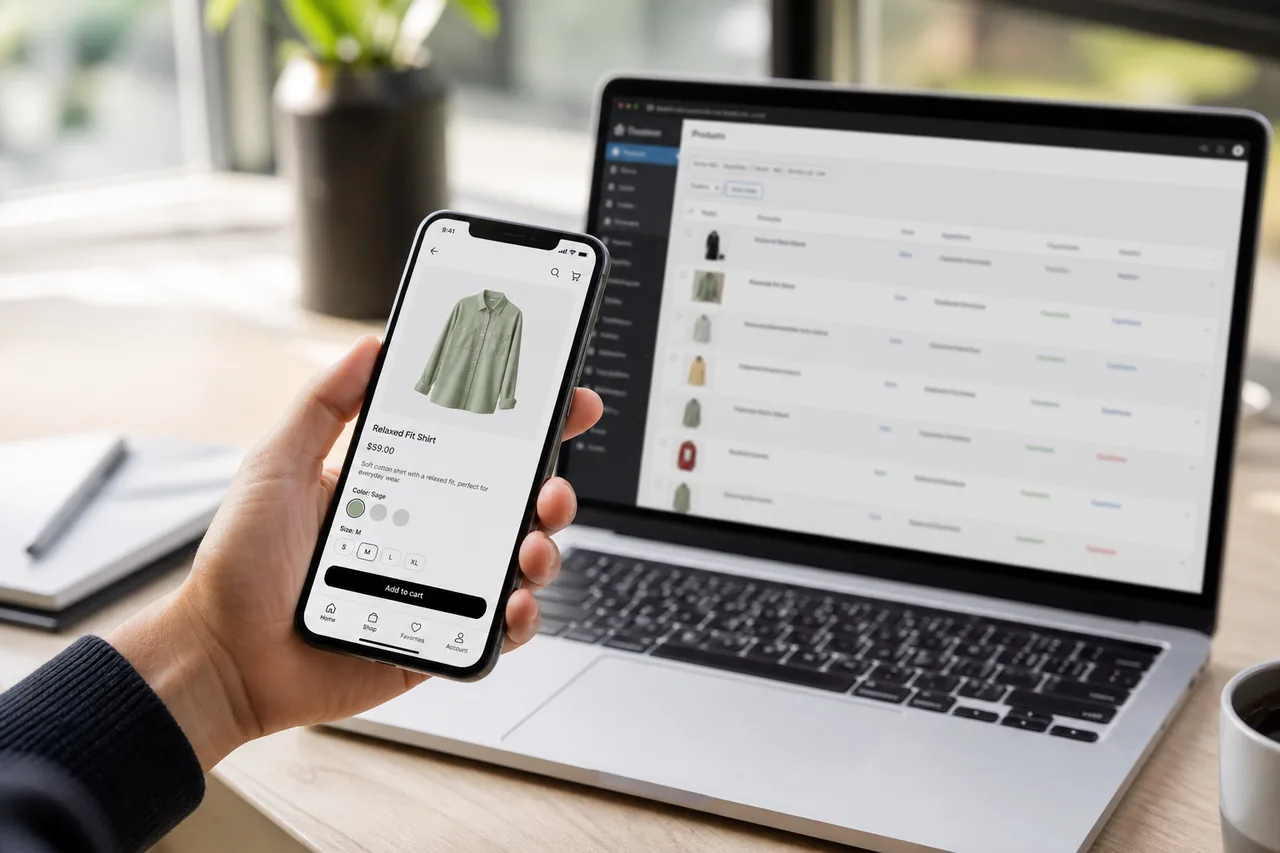
A WooCommerce website can sell products. A WooCommerce mobile app can make buying faster, more personal, and harder to abandon, especially as more shoppers browse and repurchase on phones.
If your catalog, checkout, and operations already live in WooCommerce, you do not need to rebuild commerce from scratch. With the right WooCommerce mobile app development approach, your store becomes the system of record and the app becomes a high-retention shopping channel.
Flow:
WooCommerce Store → API → Mobile App → Customer → Order → WooCommerce
This guide explains how that works, which features matter, how AI can improve the experience, how to choose Flutter vs React Native vs native, what it costs, and which mistakes to avoid.
For the full bridge across WooCommerce, AI, and mobile product delivery, see How to Build an AI-Powered eCommerce Mobile App.
Related services: WooCommerce Development Company, Mobile App Development Company, AI Development Company.
What Is WooCommerce Mobile App Development?
WooCommerce mobile app development is the process of building an iOS and/or Android application that connects to your existing WooCommerce store so customers can browse, buy, track orders, and receive updates without relying only on a mobile browser.
A well-built app typically syncs:
- Products and categories
- Customer accounts
- Cart and checkout
- Orders and order status
- Payments
- Shipping methods and rates
- Coupons and promotions
- Inventory availability
- Order tracking updates
The goal is not a thin “website wrapper.” The goal is a native-feeling shopping experience powered by your WooCommerce catalog and order engine.
Benefits of a WooCommerce Mobile App
Better mobile shopping experience
Apps can feel faster and more focused than a mobile website, especially for repeat buyers who already know your brand.
Push notifications
Recover abandoned carts, announce drops, and notify customers about shipping updates without relying only on email.
Faster repeat purchases
Saved accounts, addresses, and payment preferences reduce friction for returning customers.
Personalized shopping
Browse history, purchase data, and AI recommendations can surface the right products sooner.
Higher customer engagement
Home-screen presence and push messaging keep your store closer to the customer’s daily phone habits.
Loyalty and rewards
Points, tiers, and exclusive app offers can increase lifetime value.
Better retention
An app is a direct channel. You are less dependent on paid acquisition for every return visit.
Faster product discovery
Search, filters, collections, and recommendations can be optimized for thumb-first shopping.
How a WooCommerce Mobile App Works
A durable architecture usually looks like this:
| Layer | Role |
|---|---|
| WooCommerce | Products, customers, orders, inventory, coupons |
| WooCommerce REST API / custom API layer | Controlled data access and business rules |
| Backend / middleware | Auth, caching, orchestration, webhooks, security |
| Flutter / React Native / native app | Customer-facing shopping experience |
| iOS + Android | App store distribution |
Why middleware matters
The mobile app should not talk to WooCommerce with unprotected store credentials. A backend or middleware layer helps you:
- Authenticate users safely
- Shape API responses for mobile performance
- Cache catalog data
- Handle webhooks for inventory and order updates
- Keep secrets off the device
- Add AI services without coupling them to the storefront theme
This architecture also makes future channels easier: kiosk apps, B2B buyer apps, or headless storefronts can reuse the same API layer. See Headless WooCommerce Development.
WooCommerce Mobile App Features
Core commerce features usually include:
- User registration and login
- Product browsing and category navigation
- Product search and filters
- Product variations (size, color, bundles)
- Wishlist
- Shopping cart
- Checkout
- Payment gateway support
- Address management
- Order history
- Order tracking
- Push notifications
- Coupons
- Reviews and ratings
- Loyalty programs
- Product recommendations
Advanced options for growing brands:
- Subscriptions and memberships
- Multi-warehouse inventory visibility
- B2B pricing / customer-specific catalogs
- In-app support chat
- Offline-friendly browsing for selected screens
- Deep links from campaigns into product pages
For feature prioritization in general mobile products, see 10 Essential Features of a Successful Mobile App.
How AI Can Improve a WooCommerce Mobile App
AI is where WooCommerce, mobile, and automation meet. Context: AI in eCommerce and AI Features Every Modern Mobile App Should Include.
AI product recommendations
Recommend products based on:
- Previous purchases
- Browsing behavior
- Cart activity
- Similar customer patterns
Implementation guide: AI-Powered Product Recommendations for WooCommerce.
AI shopping assistant
Customers can ask:
“I need running shoes under $100.”
The assistant can interpret intent and return relevant products, sizes, and alternatives.
AI-powered search
Instead of exact keyword matching, customers can search naturally:
“Show me black shoes for running in rainy weather.”
Implementation guide: AI-Powered Search for eCommerce.
Personalized offers
AI can prioritize promotions, bundles, or replenishment reminders that fit each shopper.
AI customer support
The app can answer common questions about:
- Orders
- Shipping
- Returns
- Products
- Availability
Support automation context: AI Chatbot for WooCommerce, AI Chatbots for Business, and AI Automation Services.
Flutter vs React Native vs Native for WooCommerce Apps
| Technology | Best for |
|---|---|
| Flutter | One codebase + strong UI consistency |
| React Native | Cross-platform apps in a React ecosystem |
| Swift (iOS native) | iOS-first experiences with deep platform needs |
| Kotlin (Android native) | Android-first experiences with deep platform needs |
When Flutter makes sense
You want one team to ship polished iOS and Android apps quickly, with strong UI control and shared business logic.
When React Native makes sense
Your web or product team already lives in React/JavaScript and wants shared talent and libraries across channels.
When native makes sense
You need platform-specific performance, advanced hardware integrations, or an iOS-only / Android-only market strategy first.
Deeper comparison: Flutter vs React Native. Platform sequencing: Android vs iOS: Which Platform First?.
WooCommerce API Integration
The API layer is the real product behind the app.
Key integration areas:
- Product API
- Customer API
- Cart management
- Orders API
- Authentication
- Payment integration
- Inventory synchronization
- Webhooks for status and stock changes
- Caching for catalog performance
- API security and rate limiting
Security principles that matter
- Do not expose WooCommerce admin credentials in the app
- Use token-based auth and least-privilege access
- Validate and sanitize all client input on the server
- Keep payment flows compliant with your gateway requirements
- Log and monitor failed sync events
If your store already has CRM/ERP complexity, plan those connections early. See the full guide on WooCommerce API Integration for Mobile Apps, plus API Development and Integration Services, CRM Integration Guide, and ERP Integration Guide.
How Much Does WooCommerce Mobile App Development Cost?
There is no single price. Cost depends on scope.
| Scope | Typical planning band | What it usually includes |
|---|---|---|
| Focused MVP app | $10,000-$25,000+ | Core browse/buy flows, one or two platforms, essential sync |
| Business app | $15,000-$50,000+ | Cross-platform, push, richer UX, stronger backend |
| AI-enhanced commerce app | $25,000-$100,000+ | Recommendations, assistant, personalization, deeper integrations |
Kodu Media package starting points include MVP App at $9,999 and Business App at $14,999. See pricing and the broader Mobile App Development Cost 2026 guide.
Cost drivers
- iOS only, Android only, or both
- UI/UX complexity and custom design systems
- WooCommerce customization level
- Payment gateways and regional checkout rules
- Third-party integrations (CRM, ERP, shipping, loyalty)
- AI features
- Backend / middleware architecture
- Admin tooling beyond WooCommerce admin
- Push notification strategy
- Loyalty and rewards systems
- App store submission and post-launch support
WooCommerce Website vs Mobile App
| Feature | Website | Mobile app |
|---|---|---|
| SEO | Strong | Limited |
| Push notifications | Limited | Strong |
| App-specific UX | Limited | Strong |
| Installation required | No | Yes |
| Repeat purchases | Good | Excellent when done well |
| Personalization | Good | Excellent with event data |
| Discovery via Google | Excellent | Weaker than web |
The winning combination
An app should not automatically replace your website.
Strongest stack for many brands:
SEO website + WooCommerce store + mobile app
- Website wins discovery and content SEO
- WooCommerce runs catalog and operations
- App improves retention, push, and repurchase
Platform context: WooCommerce vs Shopify.
Common Mistakes in WooCommerce App Projects
- Building an app before fixing WooCommerce performance and catalog quality
- Weak API architecture with no middleware
- Exposing API credentials on the device
- Inventory sync that creates oversells
- Ignoring checkout friction and payment edge cases
- Building separate iOS and Android apps without a clear reason
- No push notification strategy after launch
- No analytics or funnel event tracking
- No maintenance plan for OS updates, gateway changes, and store growth
Maintenance reality: Why Mobile App Maintenance Is Critical After Launch.
A Practical Build Path
- Audit WooCommerce performance, catalog structure, and checkout
- Define MVP app journeys (browse, PDP, cart, checkout, orders)
- Choose Flutter, React Native, or native based on team and goals
- Design API/middleware boundaries and security model
- Build staging sync for products, stock, and orders
- Validate payments, coupons, taxes, and shipping scenarios
- Add push + analytics before launch
- Launch, measure, then layer AI and loyalty
Timeline context: How Long Does It Take to Build a Mobile App?.
Why Businesses Choose Kodu Media
Kodu Media helps brands connect WooCommerce, mobile apps, and AI without treating them as disconnected projects.
We help with:
- WooCommerce store readiness and custom development
- Mobile app architecture for iOS and Android
- Secure API / middleware design
- Payment, CRM, and operations integrations
- AI recommendations, search, and support assistants when they improve revenue
Explore:
- WooCommerce Development Company
- Mobile App Development Company
- Flutter Development
- React Native Development
- AI Development Company
- AI Automation Services
- Pricing
Frequently Asked Questions
Can WooCommerce be converted into a mobile app?
Yes. Your WooCommerce store can power a mobile app through APIs and a secure backend layer so products, carts, customers, and orders stay synchronized.
Can WooCommerce support both Android and iOS apps?
Yes. Most businesses launch on both platforms using Flutter or React Native, or start with one platform if market data supports that sequence.
Which is better for WooCommerce, Flutter or React Native?
Both can work. Flutter is strong for polished cross-platform UI. React Native fits teams already invested in React. Choose based on product needs and team skills, not hype.
Does a WooCommerce mobile app need a separate backend?
Often yes, at least a middleware layer. It improves security, caching, webhook handling, and future AI or integration work.
Can I use my existing WooCommerce products in a mobile app?
Yes. That is one of the main advantages. The app should reuse your catalog, variations, pricing, and inventory rather than creating a second product database.
Can I add AI to a WooCommerce mobile app?
Yes. Recommendations, assistants, smarter search, personalized offers, and support automation can be added once event data and API foundations are solid.
How much does WooCommerce mobile app development cost?
MVP scopes often start around $10,000+, while richer cross-platform and AI-enhanced apps cost more. See our mobile app cost guide and pricing packages.
How long does it take to develop a WooCommerce mobile app?
Many focused apps take a few months depending on platforms, integrations, design depth, and content readiness. Complex AI or ERP-connected apps take longer.
Should a mobile app replace my WooCommerce website?
Usually no. Keep the website for SEO and acquisition. Use the app for retention, push, and faster repeat buying.
Do you provide ongoing app maintenance?
Yes. OS updates, gateway changes, WooCommerce upgrades, and feature iteration all need a support plan after launch.
Related Services and Guides
- WooCommerce Development Company
- Mobile App Development Company
- Flutter Development
- React Native Development
- AI Development Company
- AI Automation Services
- API Development and Integration Services
- Pricing
- WooCommerce vs Shopify
- How Much Does Mobile App Development Cost in 2026?
- Flutter vs React Native
- AI in eCommerce
- AI-Powered Product Recommendations for WooCommerce
- How to Add an AI Chatbot to a WooCommerce Store
- AI-Powered Search for eCommerce
- How to Build an AI-Powered eCommerce Mobile App
- WooCommerce API Integration for Mobile Apps
- Headless WooCommerce Development
- AI Features Every Modern Mobile App Should Include
- How Long Does It Take to Build a Mobile App?
- Why Mobile App Maintenance Is Critical After Launch
- Android vs iOS: Which Platform First?
Ready to Turn Your WooCommerce Store Into a Mobile App?
If you are planning WooCommerce mobile app development for iOS, Android, or both, Kodu Media can help you choose the right architecture, define an MVP that sells, and connect the app securely to your store.
Share your catalog complexity, platforms, payment needs, and whether AI or loyalty features are in scope. We will recommend a clear build path and quote.
Book a free consultation · Request a custom quote · View pricing packages