Launching your mobile application is a significant milestone, but it is not the end of the development journey. In reality, publishing your app on the Apple App Store or Google Play is only the beginning.
Mobile applications require continuous monitoring, updates, security improvements, and feature enhancements to remain competitive and deliver a great user experience.
Businesses that invest in ongoing maintenance protect their investment, improve customer satisfaction, and keep pace with changing technology.
In this guide, we'll explain why mobile app maintenance matters, what it includes, and how it contributes to the long-term success of your application.
Why Mobile App Maintenance Matters
Technology evolves constantly.
Every year, mobile operating systems introduce new features, security requirements, and compatibility changes. Devices become more powerful, user expectations increase, and competitors continue improving their own applications.
Without regular maintenance, even a well-built app can become outdated.
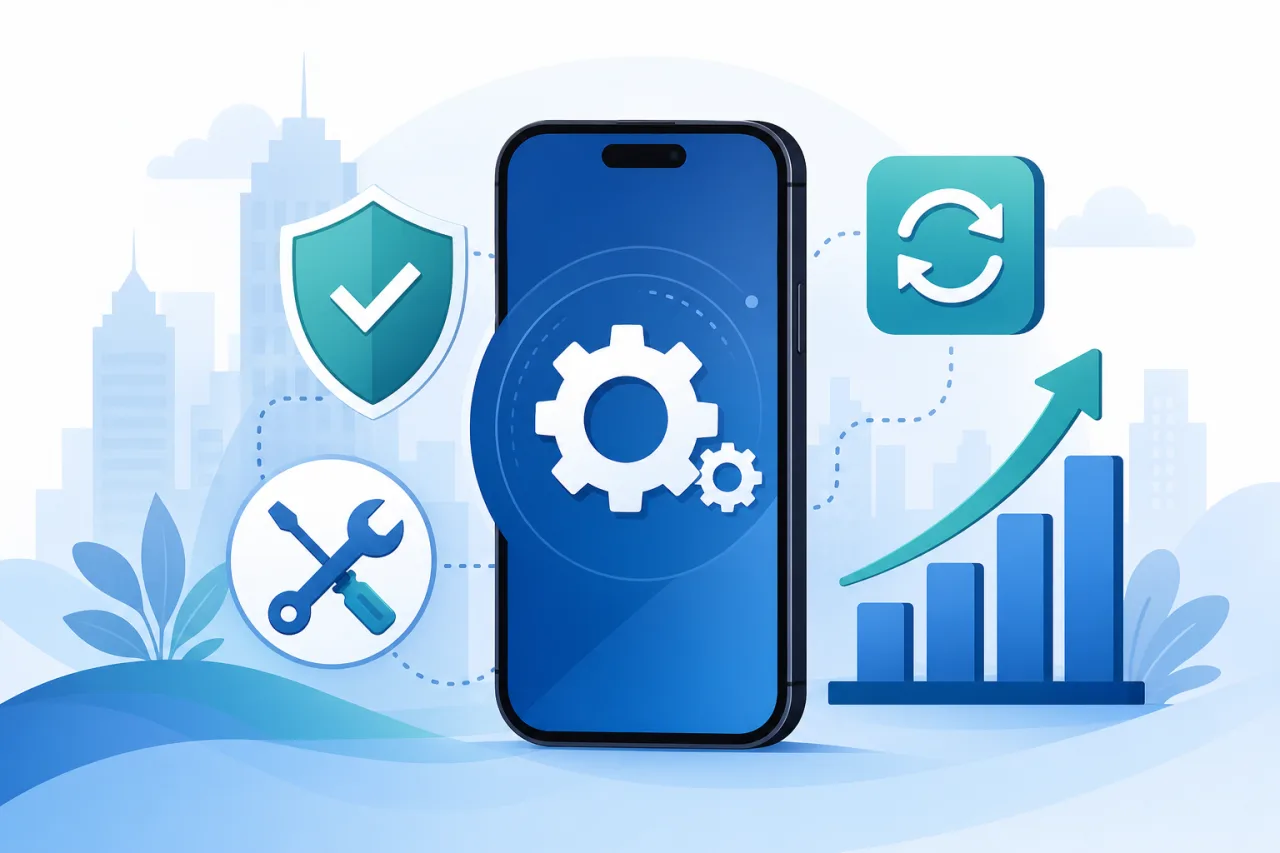
Ongoing maintenance helps you:
- Improve user satisfaction
- Protect customer data
- Maintain compatibility
- Reduce downtime
- Improve app performance
- Increase user retention
- Extend the life of your application
Treat maintenance as an investment in the long-term success of your product rather than an optional expense. Our mobile app development process guide covers maintenance as an ongoing stage after launch.
1. Keep Up With Android and iOS Updates
Google and Apple regularly release operating system updates.
These updates can affect:
- App performance
- Device compatibility
- Security requirements
- User interface behavior
- Background processes
Failing to update your app can result in crashes, poor performance, or features that stop working on newer devices.
Regular maintenance ensures your application continues to function properly across supported operating systems. For platform context, see Android vs iOS app development.
2. Improve Security
Cybersecurity threats continue to evolve.
Applications that store customer information, payment details, or business data must be protected against emerging vulnerabilities.
Maintenance includes:
- Security patches
- Dependency updates
- API security improvements
- Authentication enhancements
- Data encryption updates
- Vulnerability monitoring
Strong security protects both your business and your users.
3. Fix Bugs Before They Affect Users
No software is completely free from bugs.
As more users interact with your application, new issues may appear under real-world conditions.
Common examples include:
- Login problems
- Unexpected crashes
- Payment failures
- Notification issues
- Synchronization errors
- Display inconsistencies
Resolving issues quickly improves user confidence and reduces negative reviews.
4. Improve Performance
Users expect fast, responsive applications.
Over time, performance may decline because of:
- Growing databases
- New operating systems
- Additional features
- Increased traffic
- Third-party API changes
Performance optimization may include:
- Faster loading times
- Reduced memory usage
- Improved battery efficiency
- Faster data synchronization
- Better network performance
These improvements create a smoother user experience.
5. Add New Features
Successful apps evolve continuously.
User feedback often reveals opportunities for improvement.
Examples include:
- Dark mode
- AI-powered recommendations
- Improved search
- New payment methods
- Loyalty programs
- Offline support
- Additional languages
- New reporting features
Regular feature releases help maintain user engagement. Review 10 essential features every successful mobile app should have to prioritize what matters most to users.
6. Stay Compatible With Third-Party Services
Most business apps rely on external services such as:
- Payment gateways
- Maps
- Authentication providers
- CRM systems
- Cloud storage
- Analytics platforms
These services regularly update their APIs and requirements.
Maintenance ensures your integrations continue functioning correctly.
7. Improve User Experience
User expectations change over time.
Small improvements can make a significant difference, including:
- Simpler navigation
- Better accessibility
- Faster onboarding
- Improved forms
- More intuitive workflows
Listening to user feedback helps prioritize enhancements that provide the greatest value.
8. Monitor Analytics
Maintenance is not only about fixing problems.
It also involves understanding how users interact with your application.
Useful metrics include:
- Daily active users
- Retention rate
- Session duration
- Conversion rate
- Crash reports
- Feature adoption
- Customer feedback
Analytics help guide future product decisions.
9. Protect Your App Store Ratings
Positive reviews influence downloads and customer trust.
Regular maintenance helps maintain strong ratings by:
- Fixing reported issues
- Improving stability
- Responding to user feedback
- Delivering meaningful updates
Apps that remain active and well-maintained are more likely to retain satisfied users.
10. Reduce Long-Term Costs
Ignoring maintenance often leads to larger problems later.
Examples include:
- Emergency bug fixes
- Security incidents
- Compatibility failures
- Major redevelopment projects
- Lost customers
Proactive maintenance is generally more cost-effective than reacting to serious issues. Budget for ongoing support when planning your project: see how much mobile app development costs in 2026 for context on total investment.
What Is Included in Mobile App Maintenance?
A professional maintenance plan may include:
- Operating system compatibility updates
- Bug fixes
- Security updates
- Performance optimization
- API updates
- Cloud infrastructure monitoring
- Database optimization
- Feature enhancements
- Analytics reporting
- Technical support
The exact services depend on your application's complexity and business needs.
How Often Should an App Be Updated?
There is no universal schedule.
Many businesses release:
- Critical security updates as needed
- Bug fixes when issues are identified
- Feature updates every few months
- Performance improvements throughout the year
The most successful apps are continuously improved based on user feedback and business goals.
How Kodu Media Supports Mobile Apps After Launch
At Kodu Media, our relationship with clients continues after deployment.
We provide ongoing support that includes:
- Performance monitoring
- Security updates
- Bug fixes
- Feature development
- Android and iOS compatibility updates
- API maintenance
- Cloud infrastructure support
- Technical consulting
Our goal is to help businesses keep their applications secure, reliable, and ready for future growth. Whether your app was built with Flutter, React Native, or native code, our mobile app development company team can support it long after launch.
Neglecting maintenance is one of the most common mistakes businesses make: see our guide on common mobile app development mistakes for other pitfalls to avoid.
Final Thoughts
Launching a mobile app is only the first step toward building a successful digital product.
Regular maintenance keeps your application secure, compatible, and competitive while ensuring users continue to enjoy a reliable experience.
Businesses that invest in ongoing updates are better positioned to retain customers, adapt to changing technology, and maximize the return on their mobile app investment.
If you're looking for a trusted partner to maintain and improve your application, Kodu Media offers comprehensive mobile app maintenance services tailored to your business needs.
Contact us today to learn how we can help keep your mobile app performing at its best.
Frequently Asked Questions
Why does a mobile app need maintenance after launch?
Mobile apps require regular updates to remain compatible with new operating systems, improve security, fix bugs, and introduce new features.
How often should I update my mobile app?
Update frequency depends on your application and user feedback. Most businesses release updates several times each year, along with critical fixes whenever necessary.
Does maintenance improve app performance?
Yes. Regular optimization can improve loading times, reduce crashes, enhance battery efficiency, and create a better user experience.
Can Kodu Media maintain an app developed by another company?
Yes. We can review your existing application, identify improvement opportunities, and provide ongoing maintenance and support.
What happens if I stop maintaining my app?
Without maintenance, your app may become incompatible with new devices, develop security vulnerabilities, experience performance issues, and lose user trust over time.